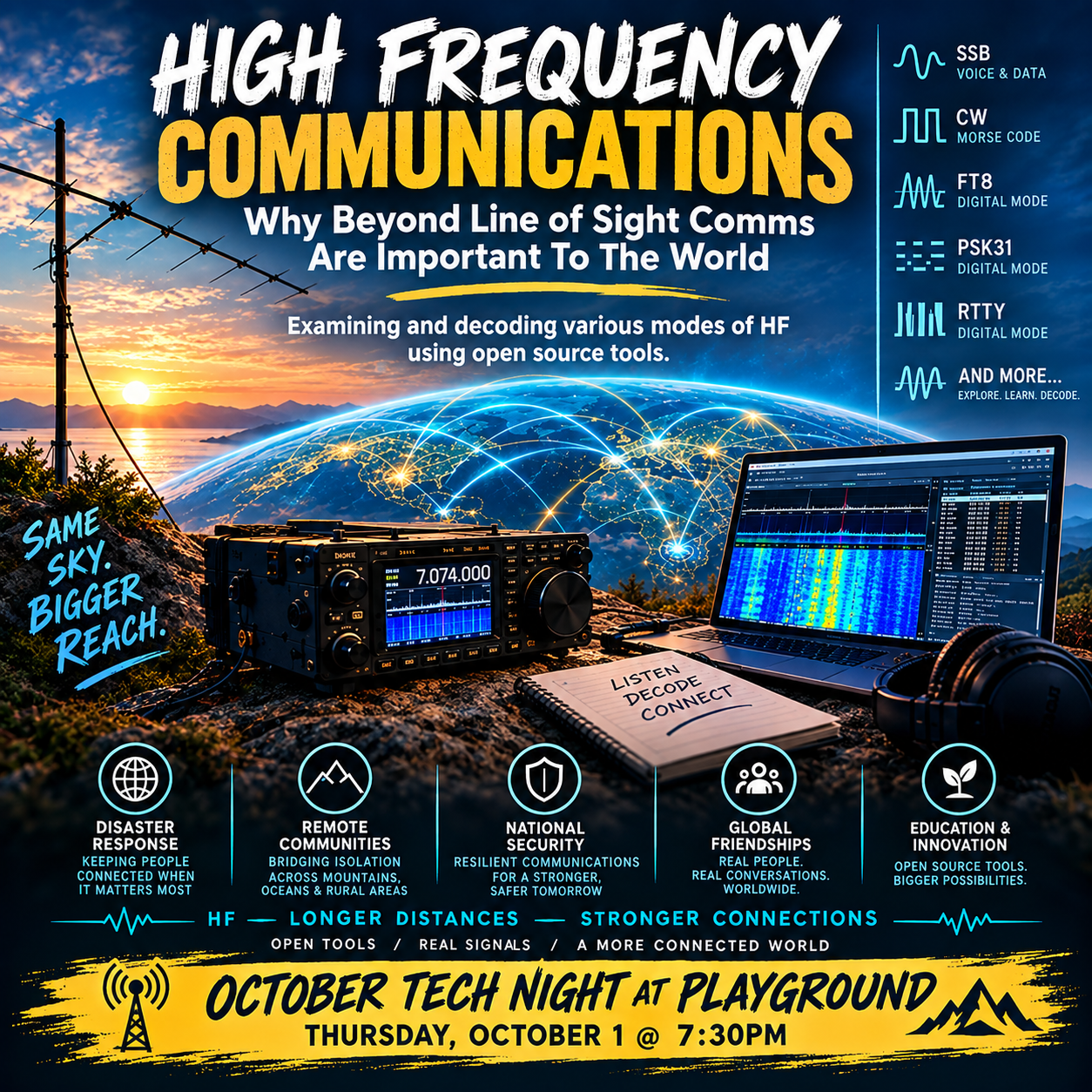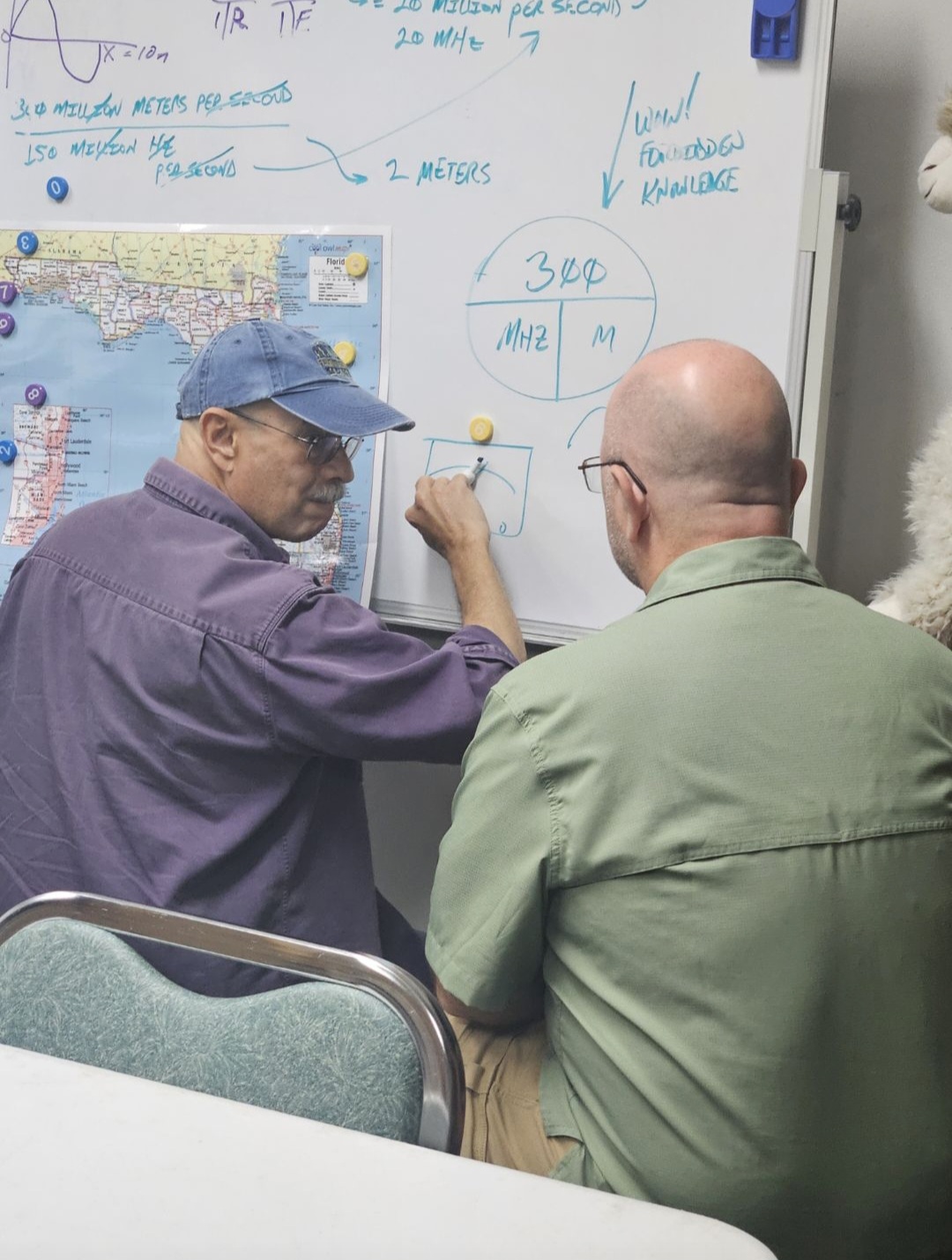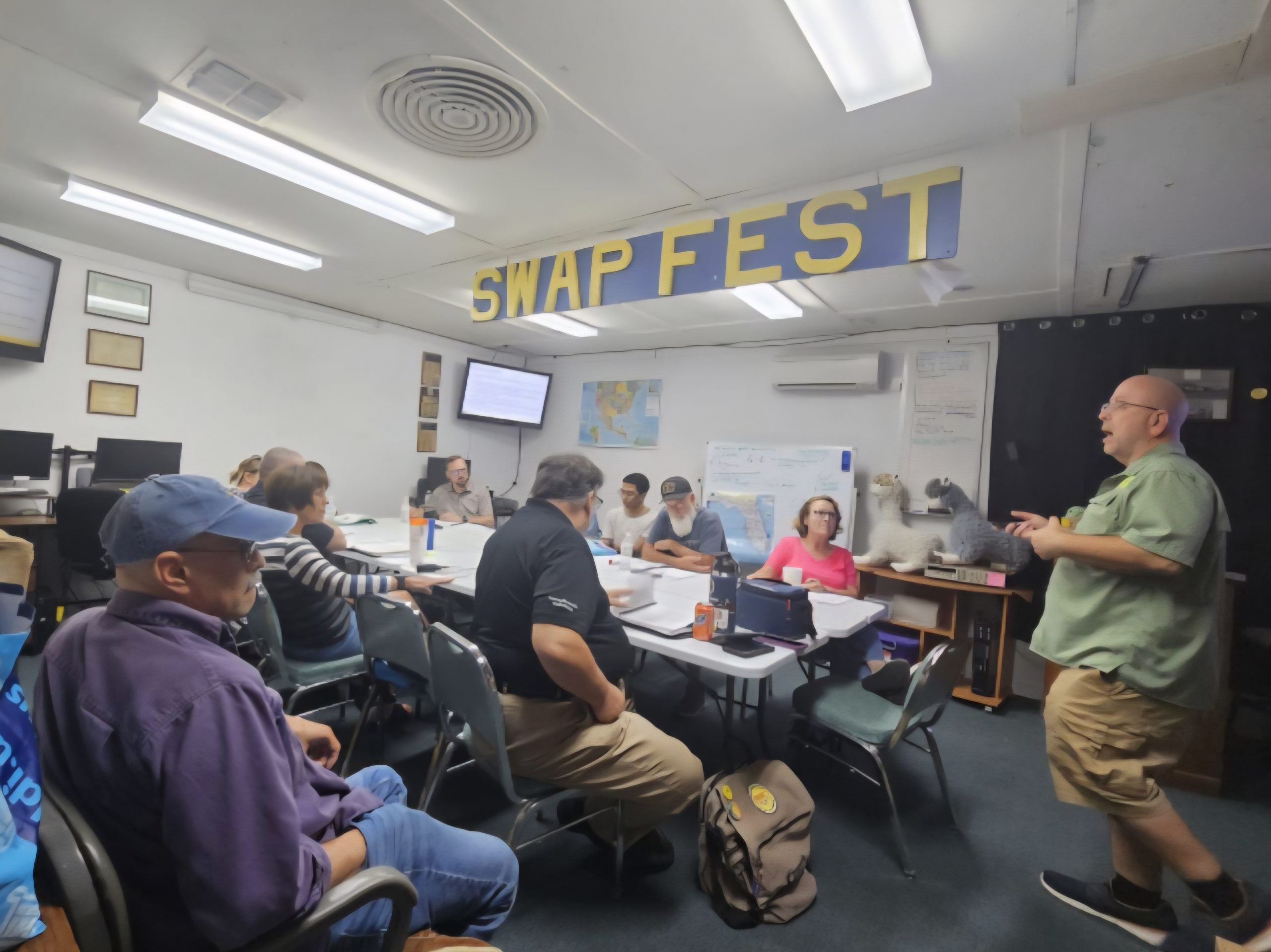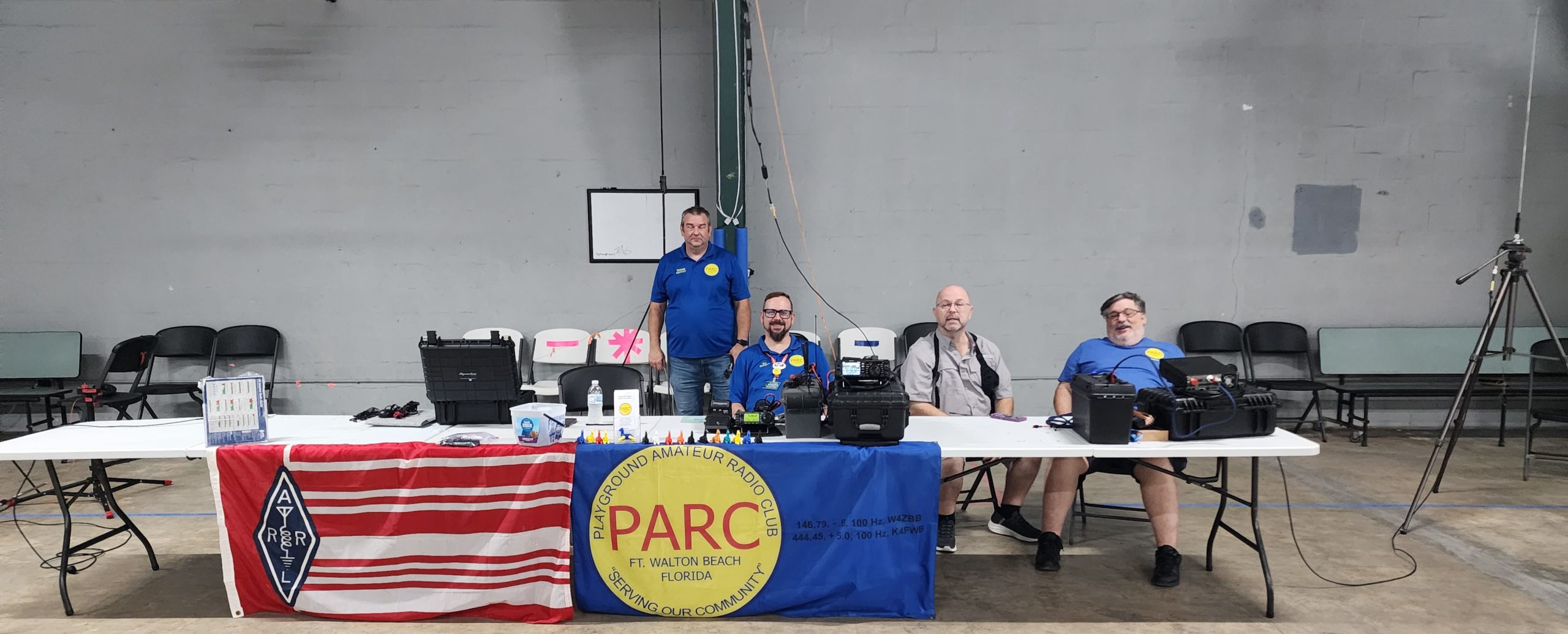
Class has begun at the Playground Amateur Radio Club! This is occurring in person and online! For details go to w4zbb.org.

Class has begun at the Playground Amateur Radio Club! This is occurring in person and online! For details go to w4zbb.org.

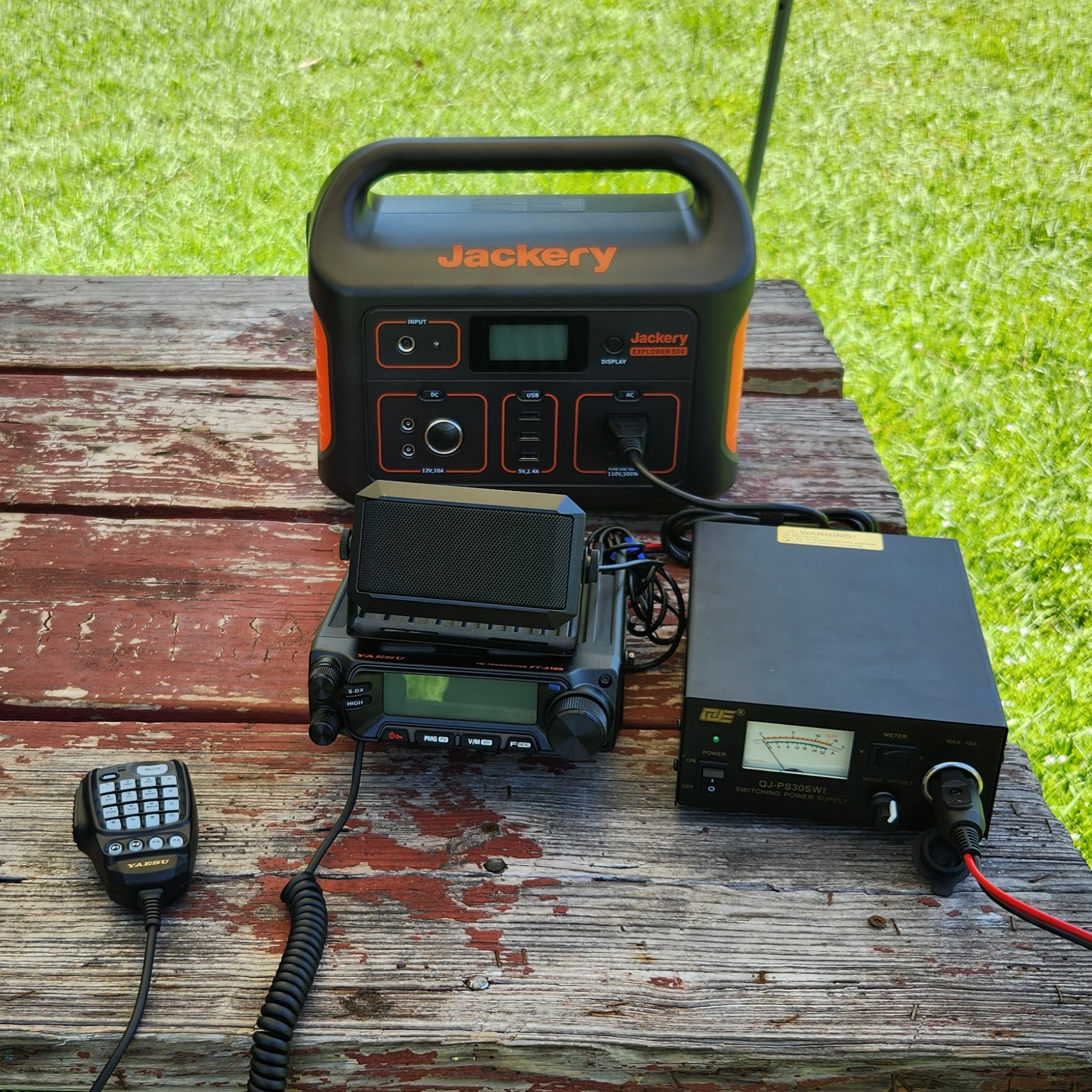
Cleaning the Clubhouse, organizing items, testing antennas, updating firmware, playing with WIRES-X, enjoying each other’s company, reflecting on the NOARC Hamfest, and oh, so, much, more!
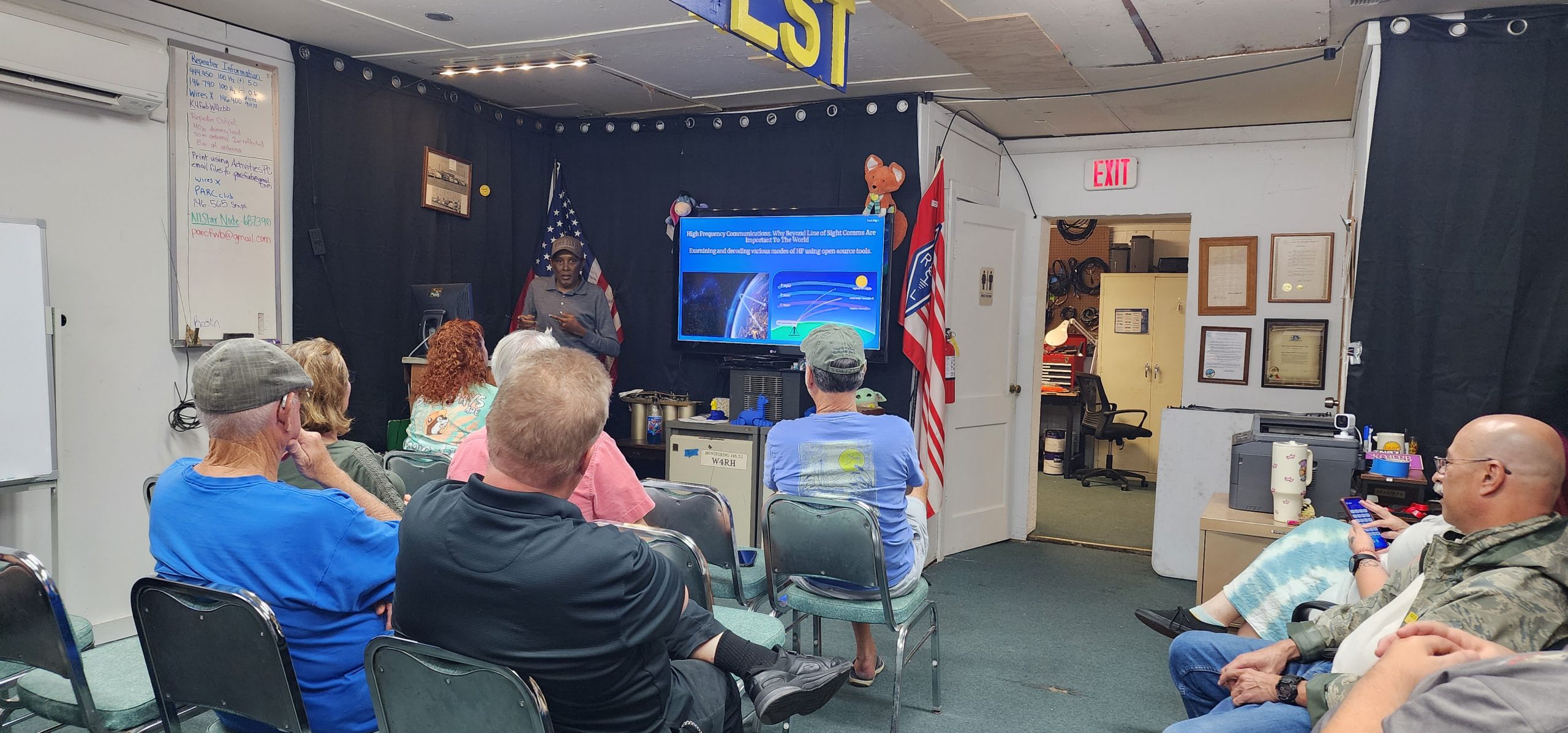
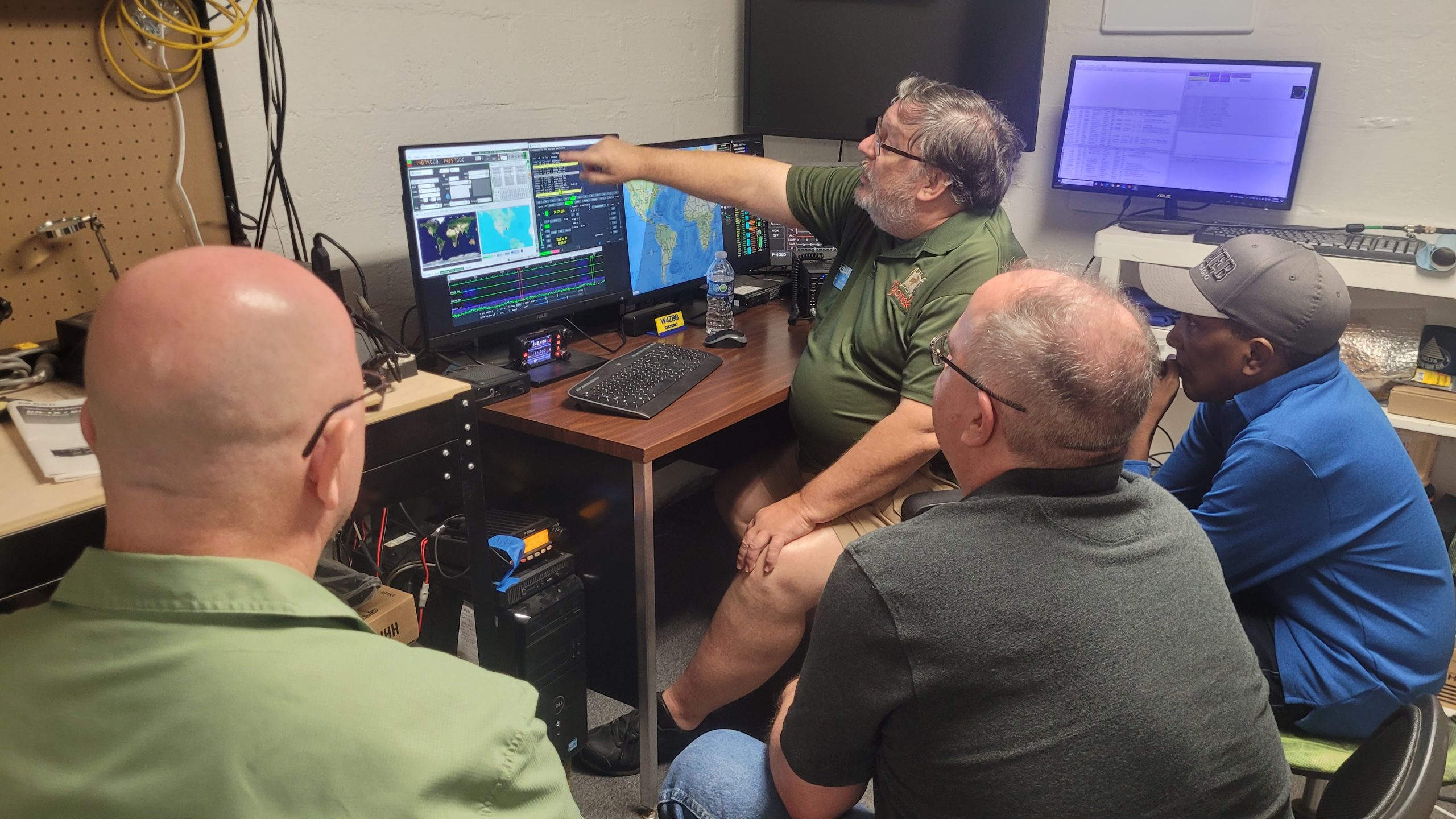
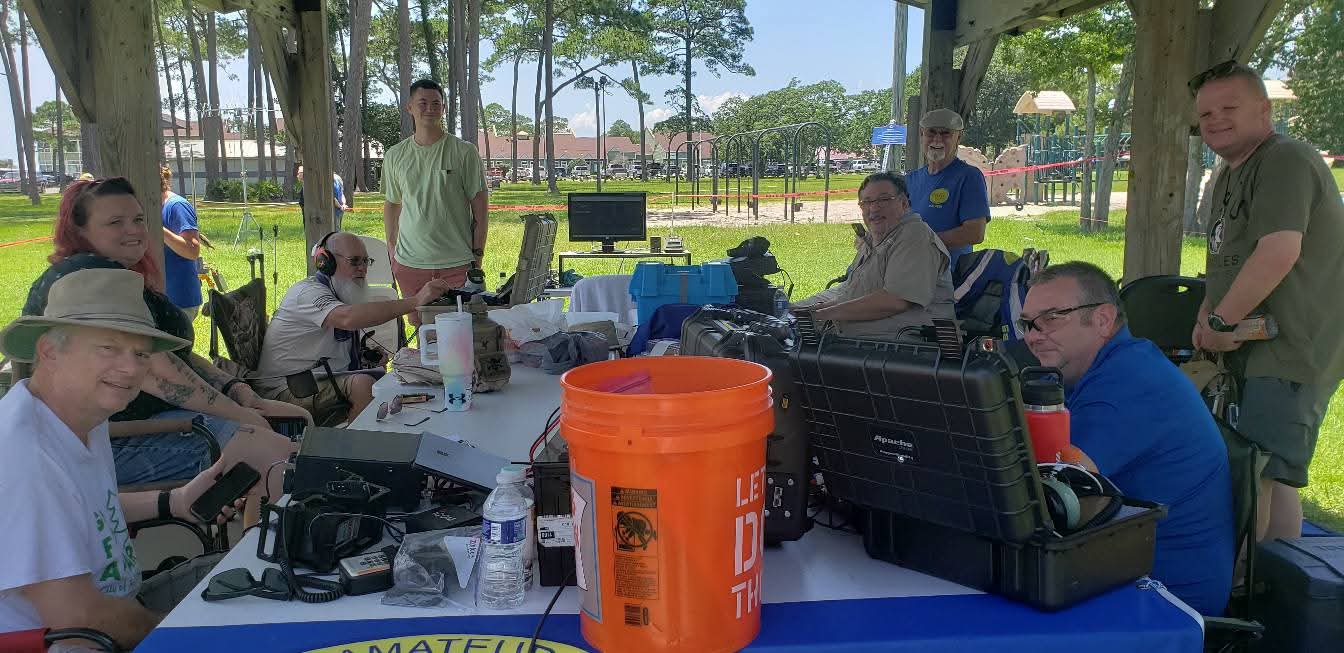
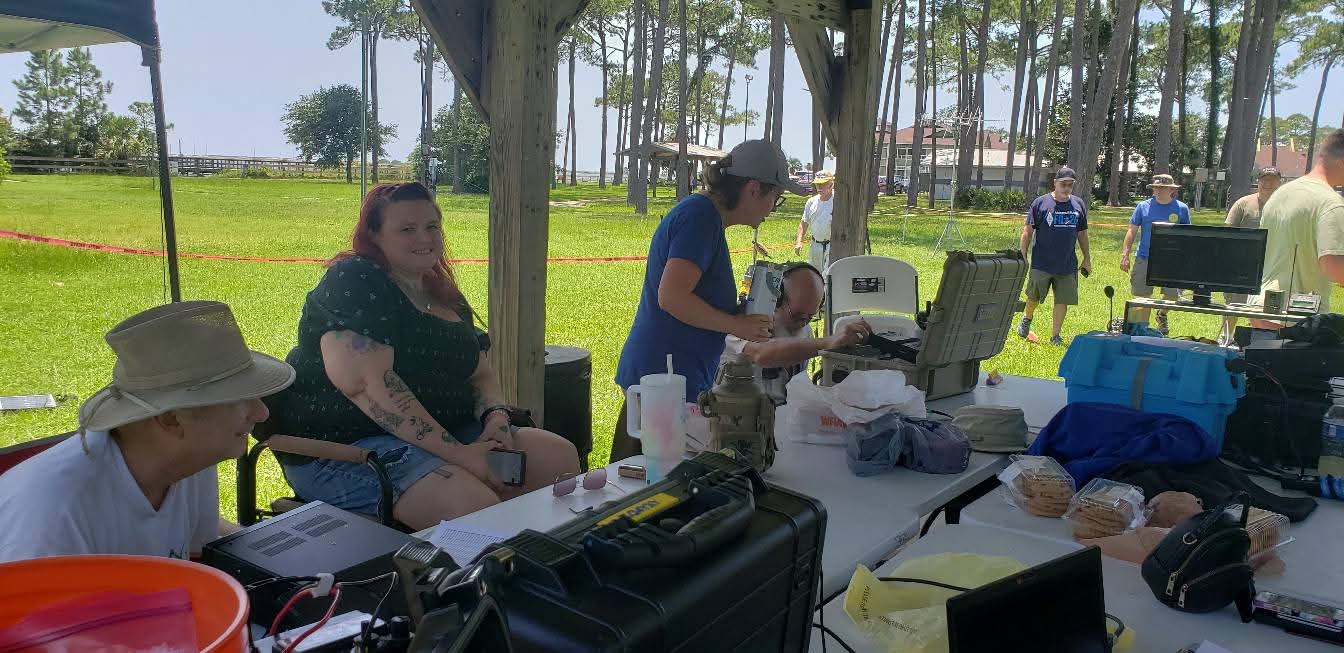
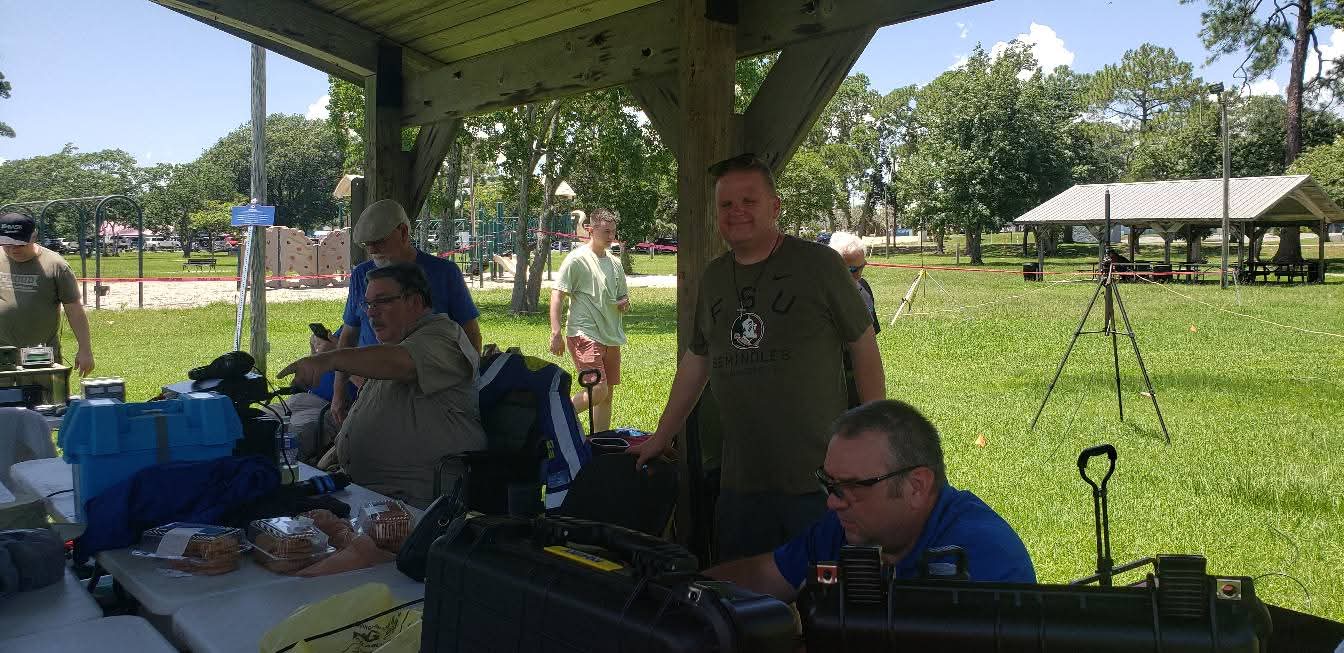
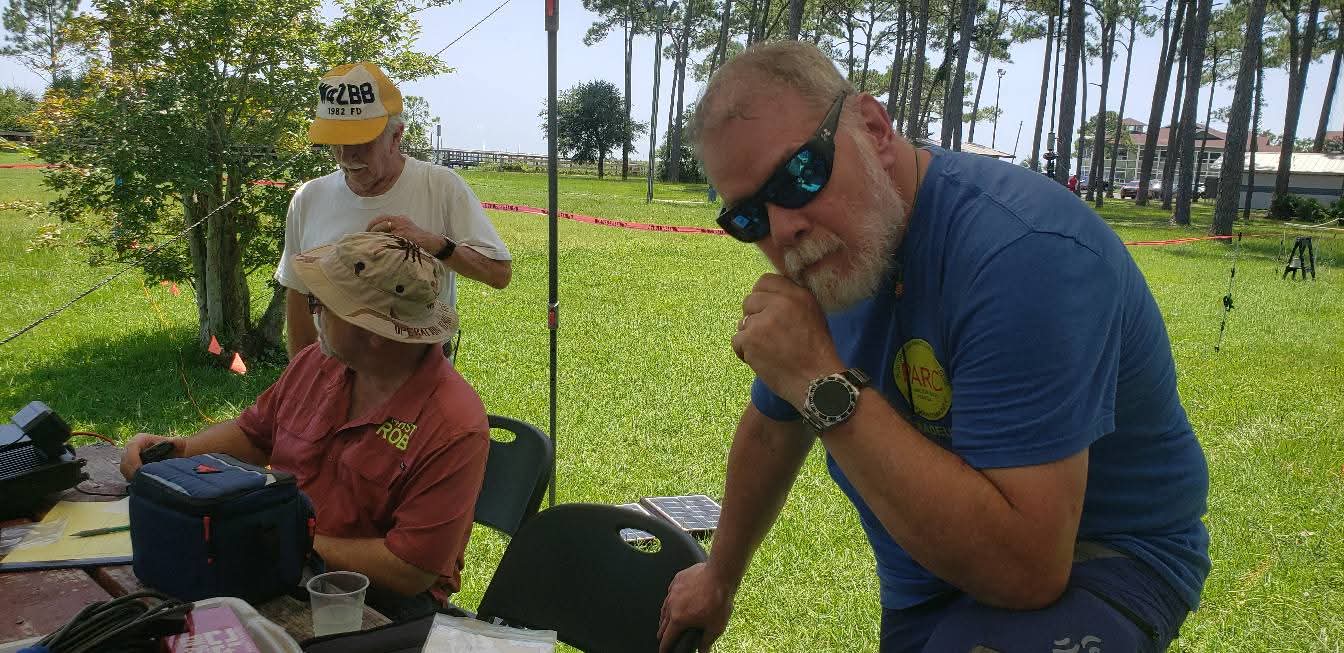
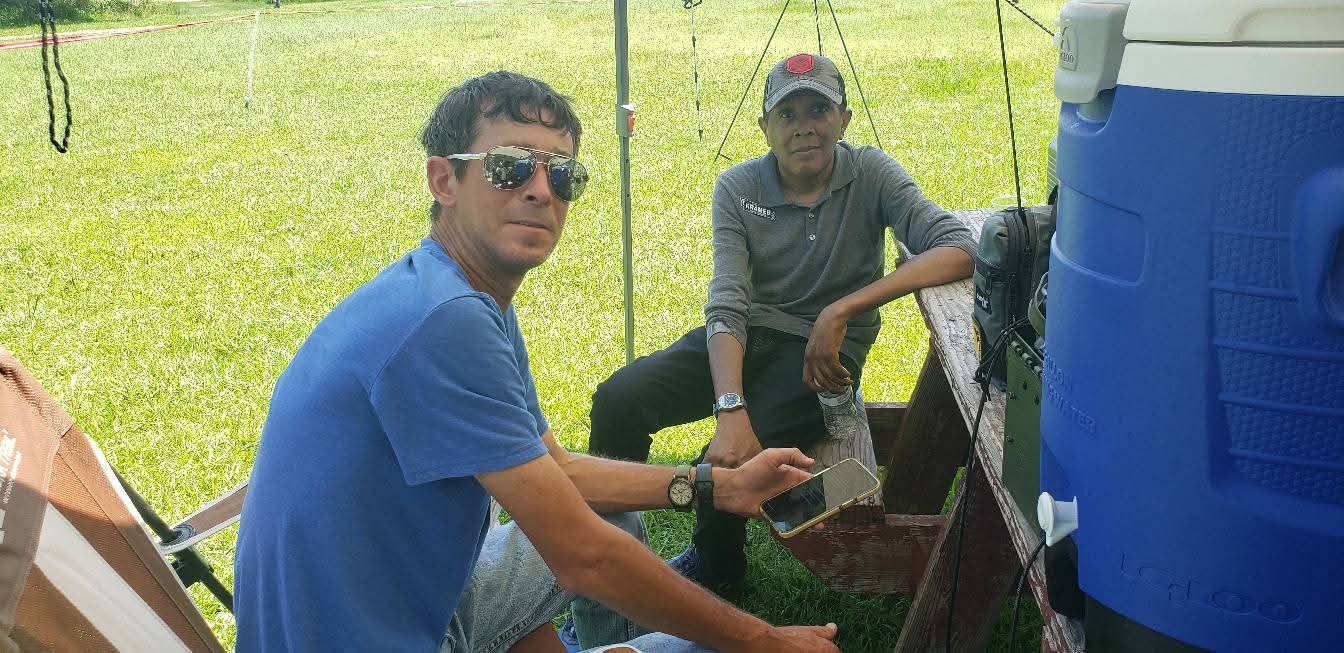
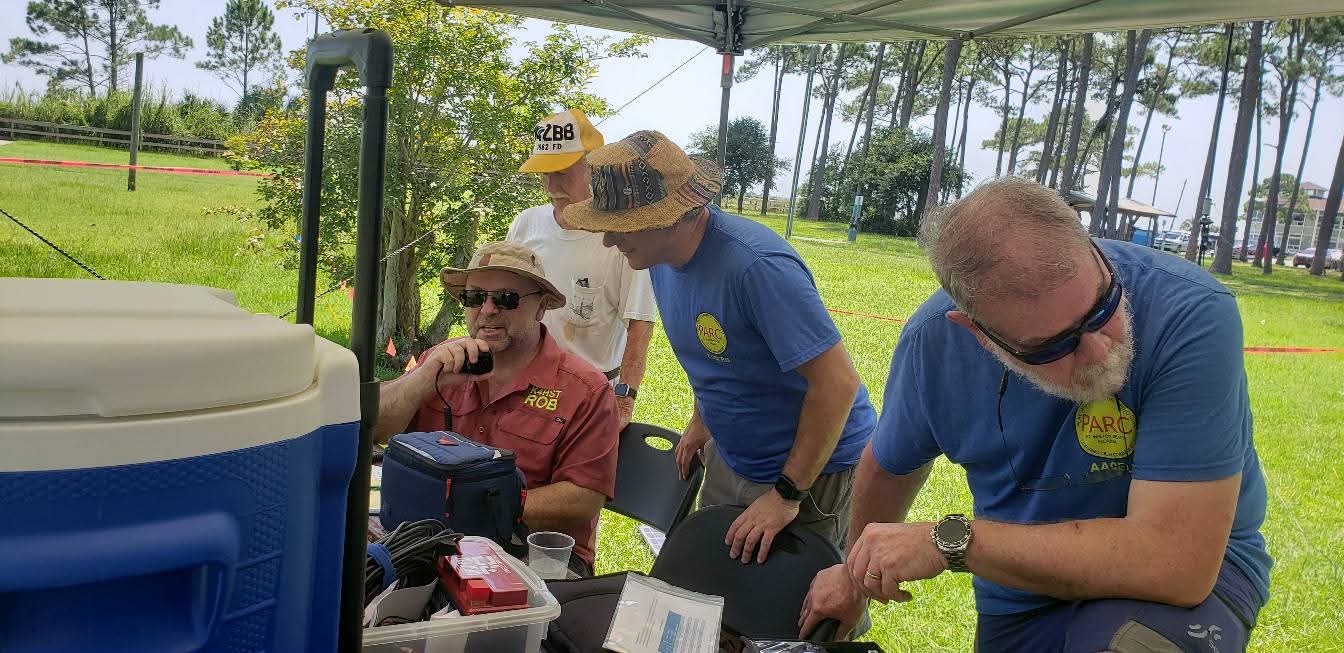
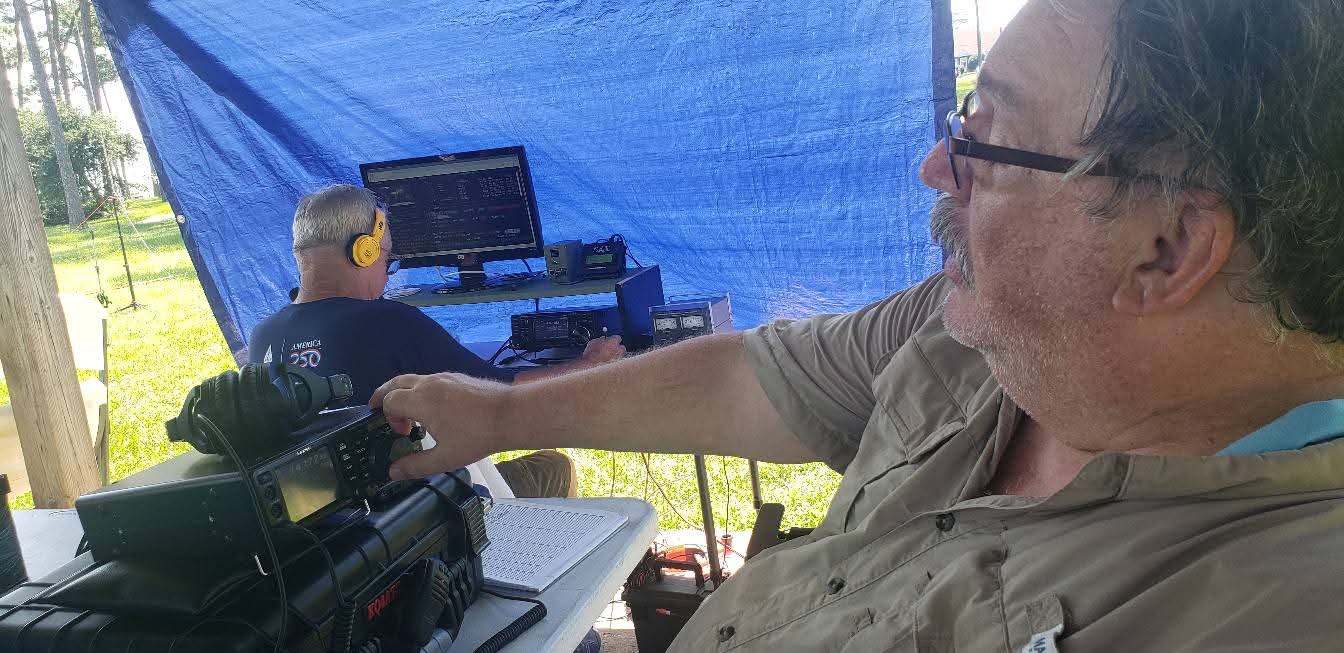
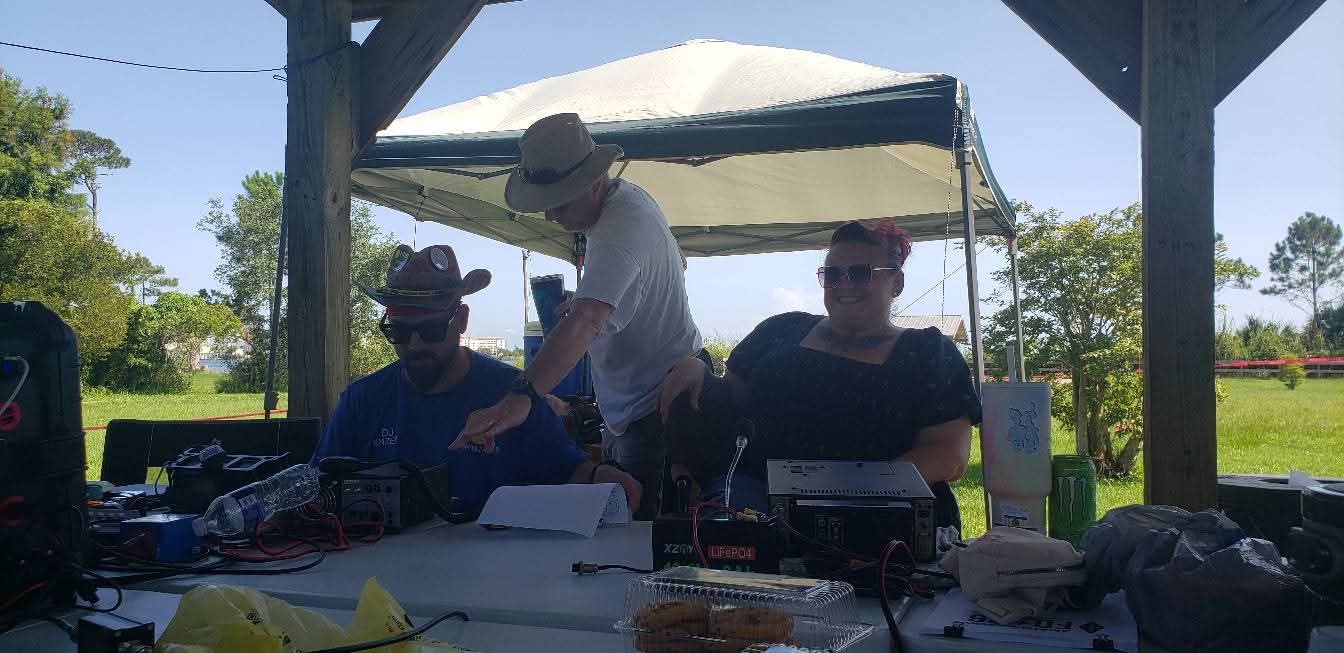
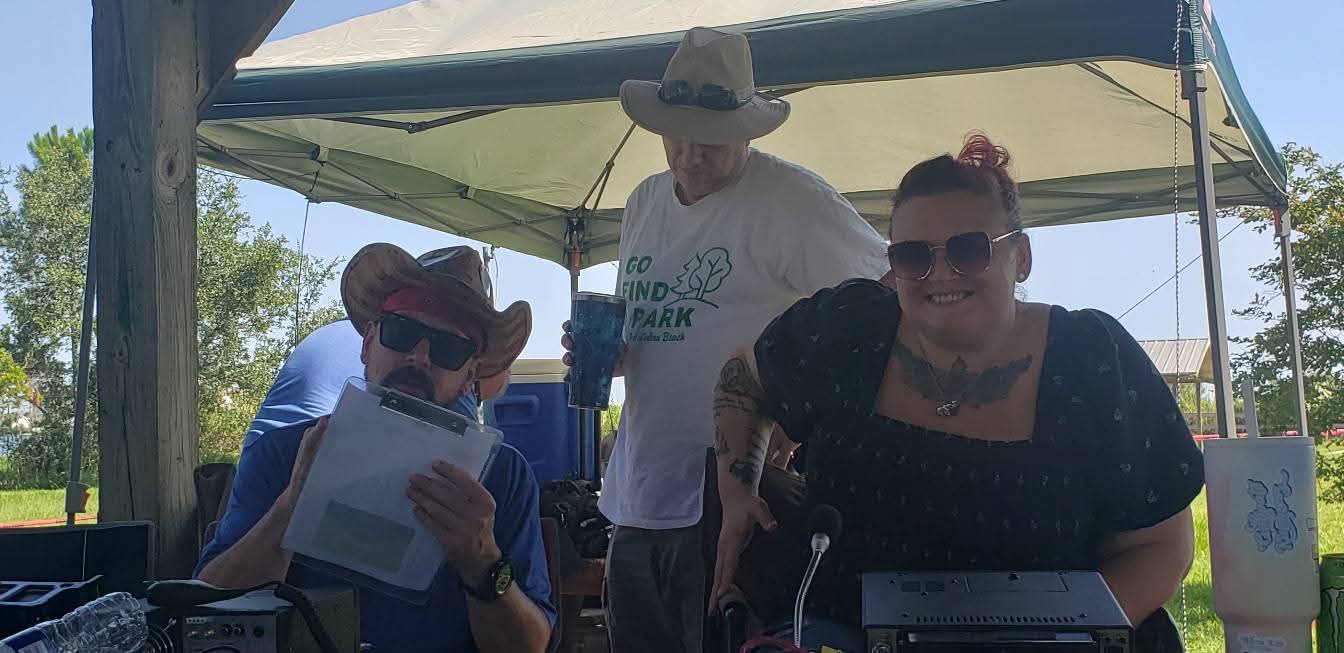
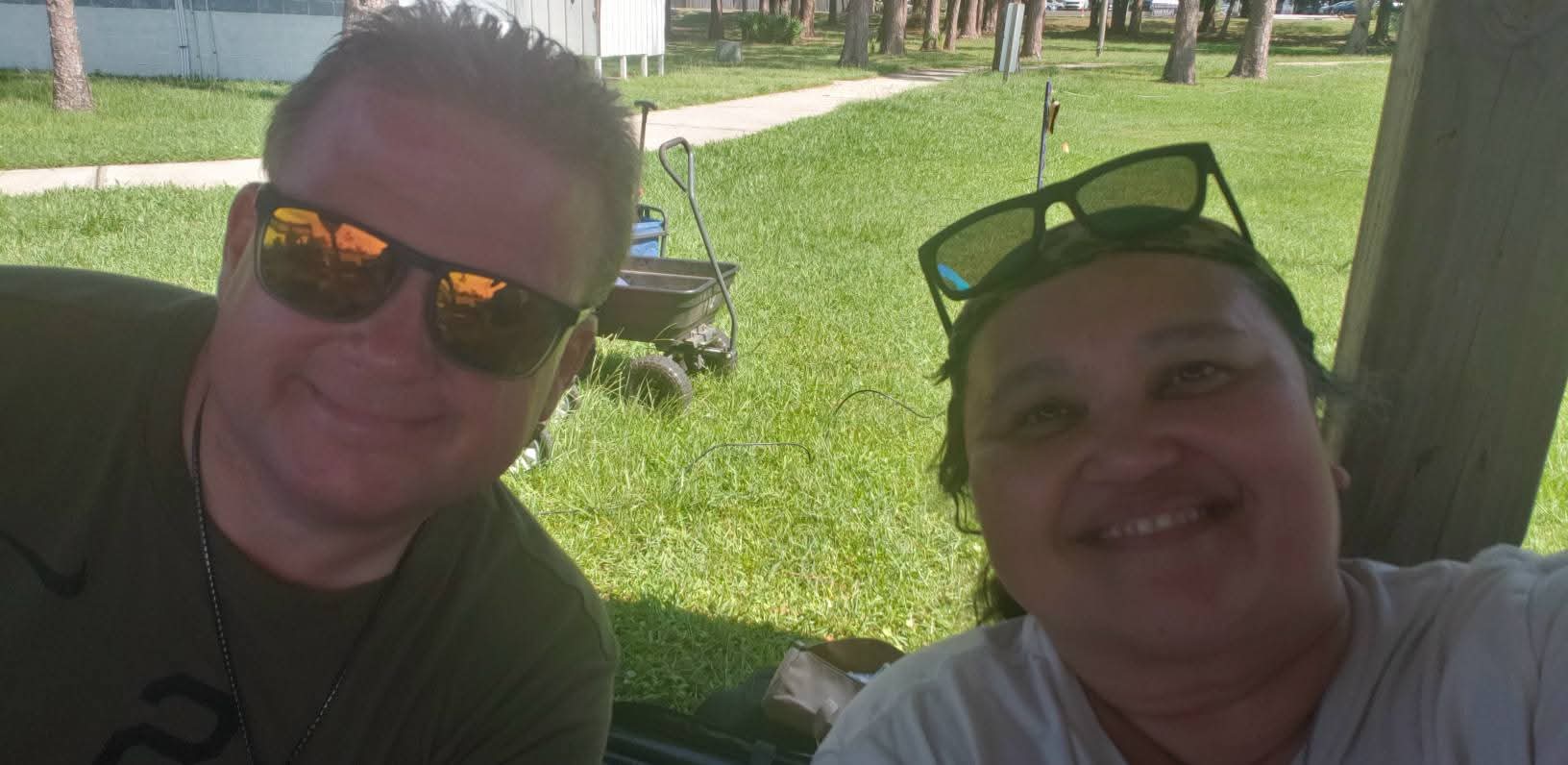
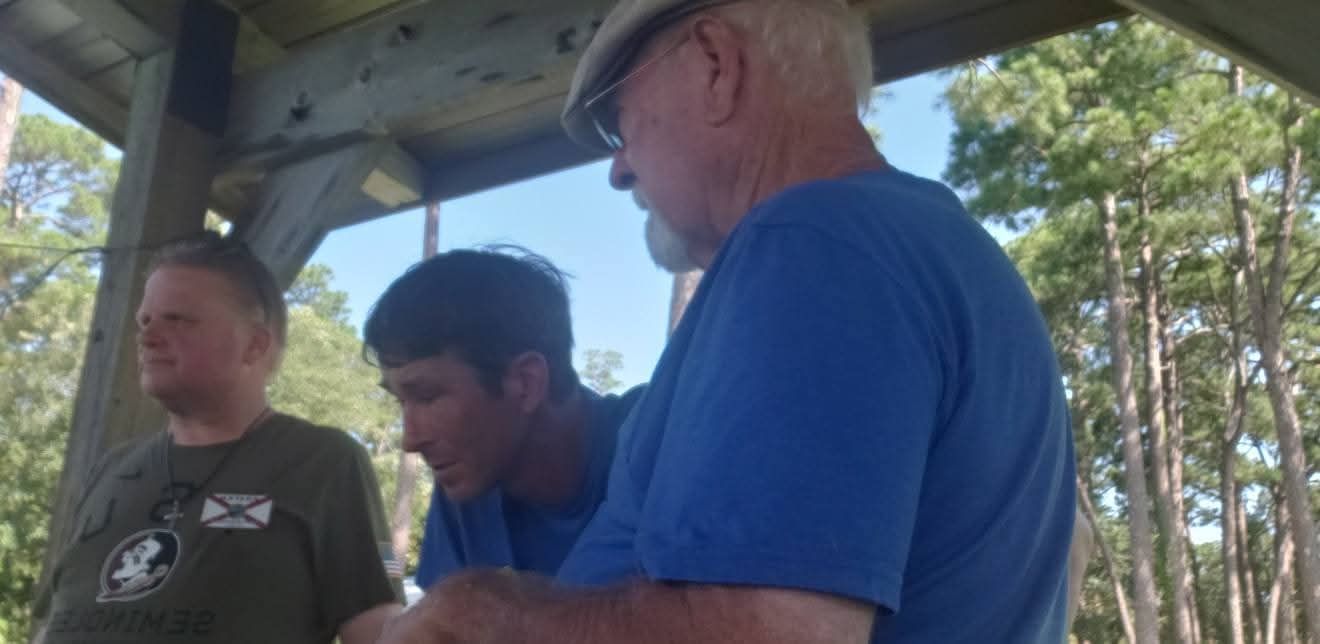
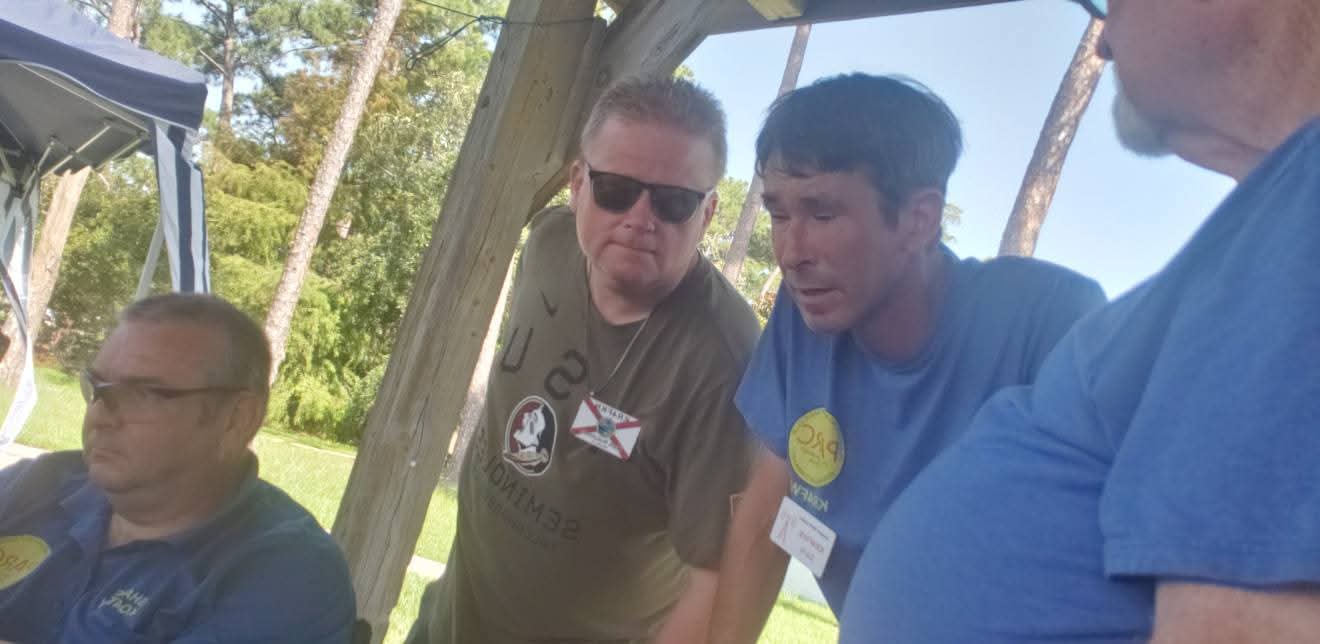
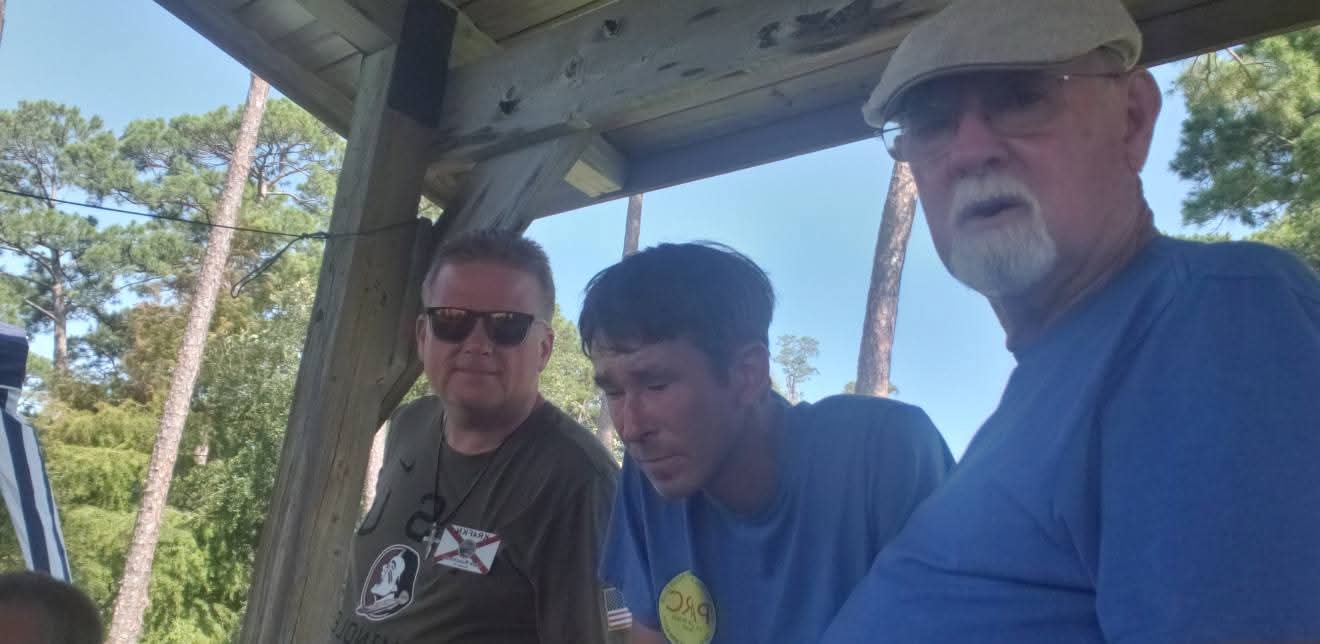
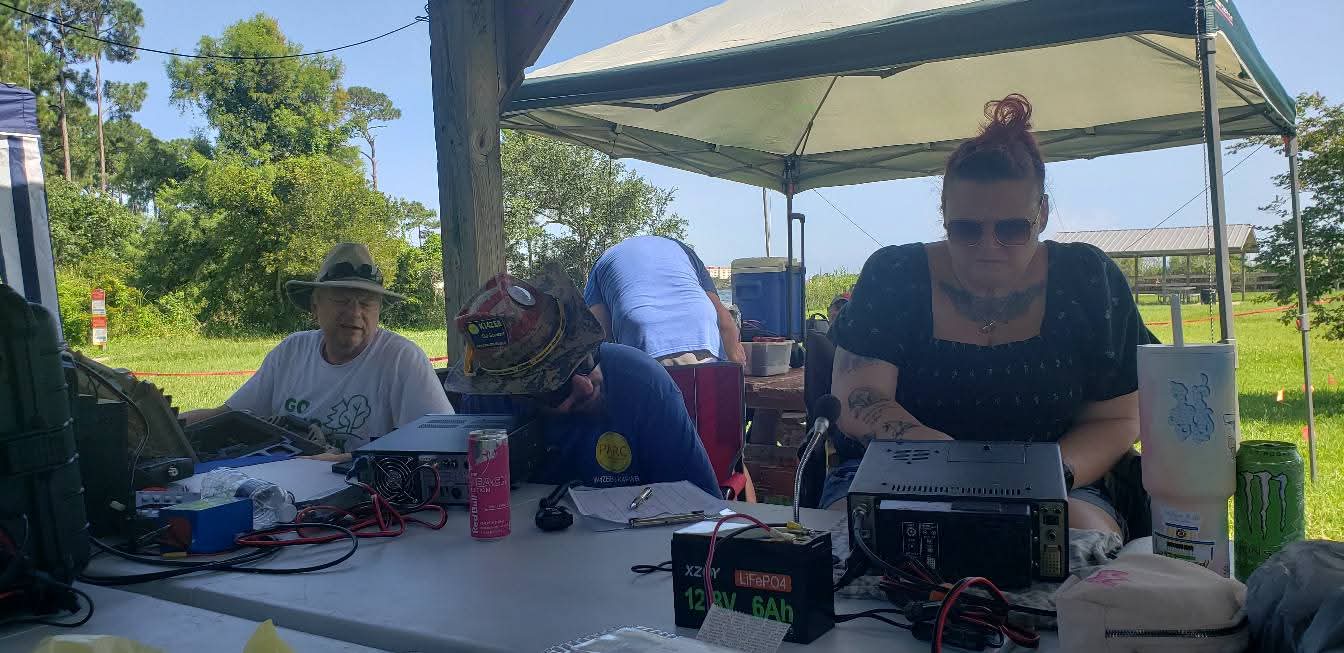
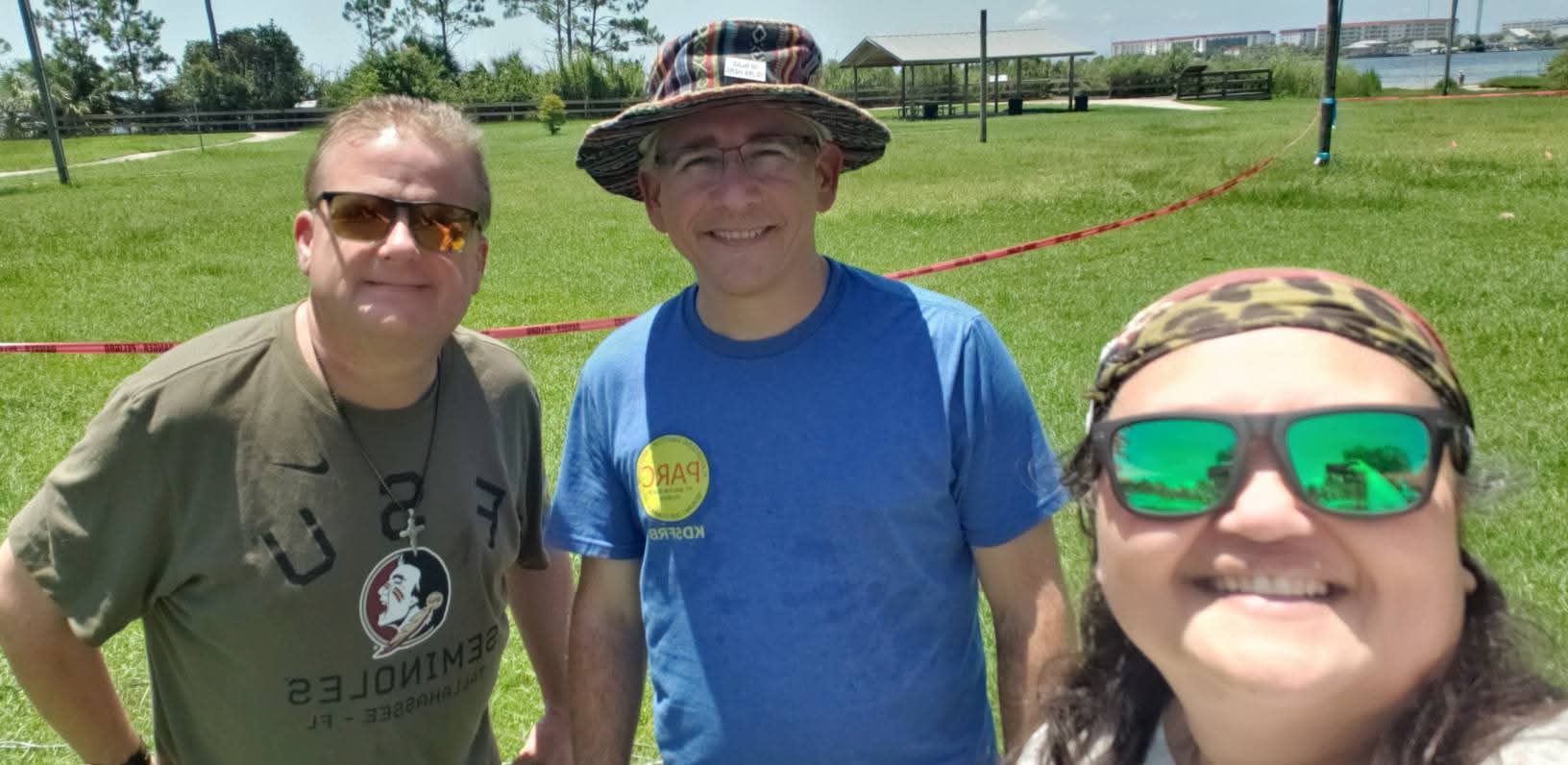
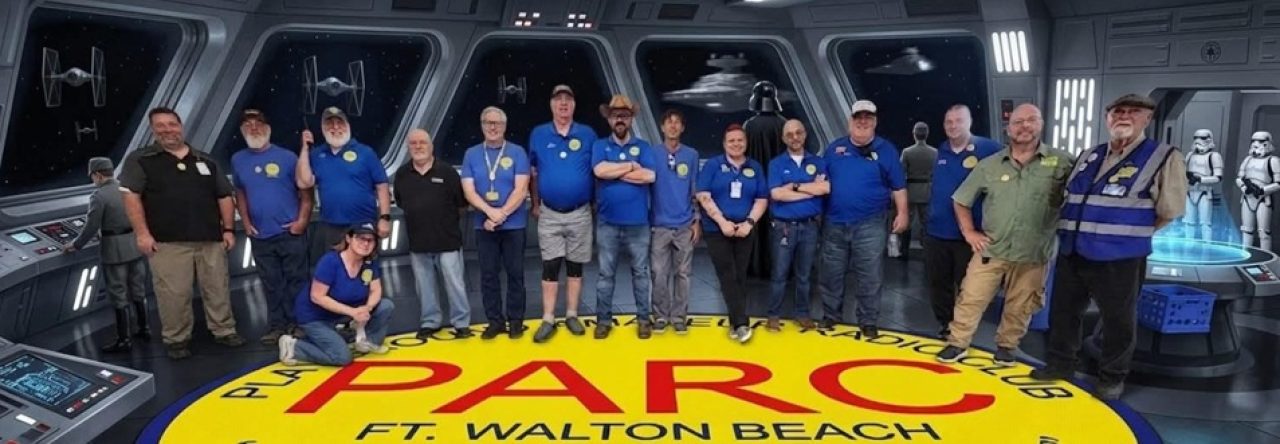
It’s hard to be a cameraman and get multiple things done at once! If you have not been at a PILE-UP, you, are definitely missing out! Out of town and returning members, all ages, and the same goal in mind! The Playground Amateur Radio Club is certainly having a wonderful time! If you are so inclined, check our club calendar and you will see that this Thursday we have a meeting! Come on out and see us, join in, and partake in this wonderful journey of Amateur Radio!

⚠️ 📢 🚨 ⚠️ Interested in learning about Ham Radio and getting your license to operate with other operators all around the world?
Playground Amateur Radio Club is hosting a FREE (yes, I said FREE) Technician Licensing course beginning Wednesday, October 29, 2025 @ 1830 local!
Classes will be held on Wednesday evenings until the first testing session of 2026 on January 10th.
This course is “come as you are, where you are” in that all students of all levels of knowledge are welcome to join! Information will be available on www.w4zbb.org, Facebook, Instagram and, as always, you can email instructors at parcfwb@gmail.com

PARC Tech Night! was awesome! APRS was taught by KQ4NWD Rob, and he smashed it! Ok, not literally, but what a great presentation and way to encourage more operators and communication enthusiasts to explore more operating capabilities in the area!


APRS, or the Automatic Packet Reporting System, is an amateur radio system that transmits real-time digital information over a local area. It was invented by Bob Bruninga (call sign WB4APR) in the 1980s and has since evolved into a globally connected network.
Come to PARC on Thursday, 2 Oct, 2025 at 730pm! 17 First St SE Fort Walton Beach Florida!

Team building in the context of amateur radio can be approached in two primary ways: through activities that foster collaboration within a club or group, and through events that leverage the nature of the hobby itself to build a sense of community and shared purpose.
Activities within a Club or Group:
These activities are designed to get members working together, sharing knowledge, and building camaraderie.
Public Service Events: Providing communications for local events like marathons, parades, or community festivals is a classic team-building exercise. It requires coordinated effort, clear communication, and reliance on one another to achieve a common goal. This is a practical application of radio skills that benefits the community and strengthens the team.
Emergency Communications Drills (ARES/RACES): Simulating emergency scenarios, such as a large-scale power outage or natural disaster, requires a high degree of teamwork. Participants must manage message traffic, relay information accurately, and coordinate with different agencies. These drills build trust, a sense of shared responsibility, and demonstrate the critical importance of the group’s skills.
Antenna Parties: This is a hands-on activity where members come together to help one person install or repair an antenna. It’s a great way for experienced “Elmers” (mentors) to share their knowledge with newer members, and it creates a direct, tangible sense of accomplishment for the group.
”Homebrew” Nights or Build Projects: A club can organize a project where everyone builds the same simple piece of equipment, such as a QRP (low-power) transmitter, an antenna tuner, or a simple radio. This promotes skill-sharing and results in a shared achievement that members can be proud of.
”Fox Hunts” (Direction Finding): This is a competitive and fun activity where teams use radio direction-finding equipment to locate a hidden transmitter (“the fox”). It’s an excellent way to practice technical skills in a fun, non-stressful environment, and it requires a team to collaborate on strategy and navigation.
Technical Workshops and Presentations: Members can take turns presenting on their areas of expertise, such as digital modes, satellite communications, or a specific radio they’ve built. This fosters a culture of mutual learning and respect for each other’s unique skills.
Leveraging the Hobby for Community
The nature of amateur radio itself offers opportunities for team-building on a broader scale.
Contests and Special Events: Participating in on-air contests or operating a special event station (for a holiday, historical anniversary, etc.) unites a group with a common objective. Working together to make a large number of contacts or communicate with a specific group of people builds a sense of shared purpose and friendly competition.
”Parks on the Air” (POTA) or “Summits on the Air” (SOTA): These activities involve operating from a designated park or summit. A group can plan a joint activation, splitting roles for setup, operating, and logging. This gets members out of their individual shacks and into a shared, outdoor environment.
Mentorship Programs: Pairing new hams with experienced “Elmers” is a fundamental aspect of the hobby that is inherently about team-building. This one-on-one guidance helps newcomers navigate the initial stages of the hobby and makes them feel like a valued part of the community.
Regular Club Nets: A weekly or daily on-air net allows members to check in and have casual conversations. This informal communication helps members stay in touch and builds a sense of community even when they can’t meet in person.
By combining these types of activities, amateur radio groups can not only maintain a strong membership but also create a vibrant and supportive community where members feel connected and valued.

Every single Pile-Up is full of Action!
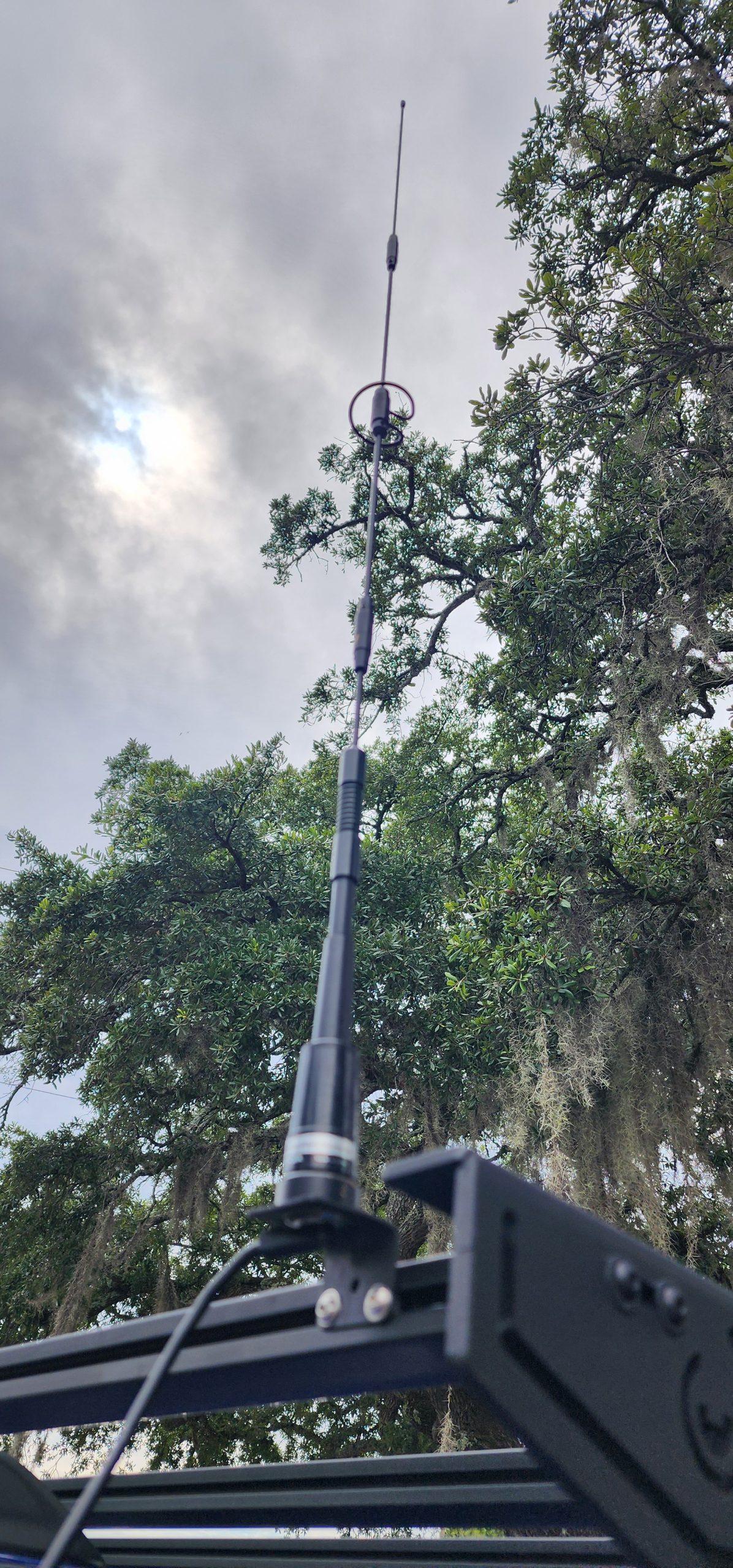
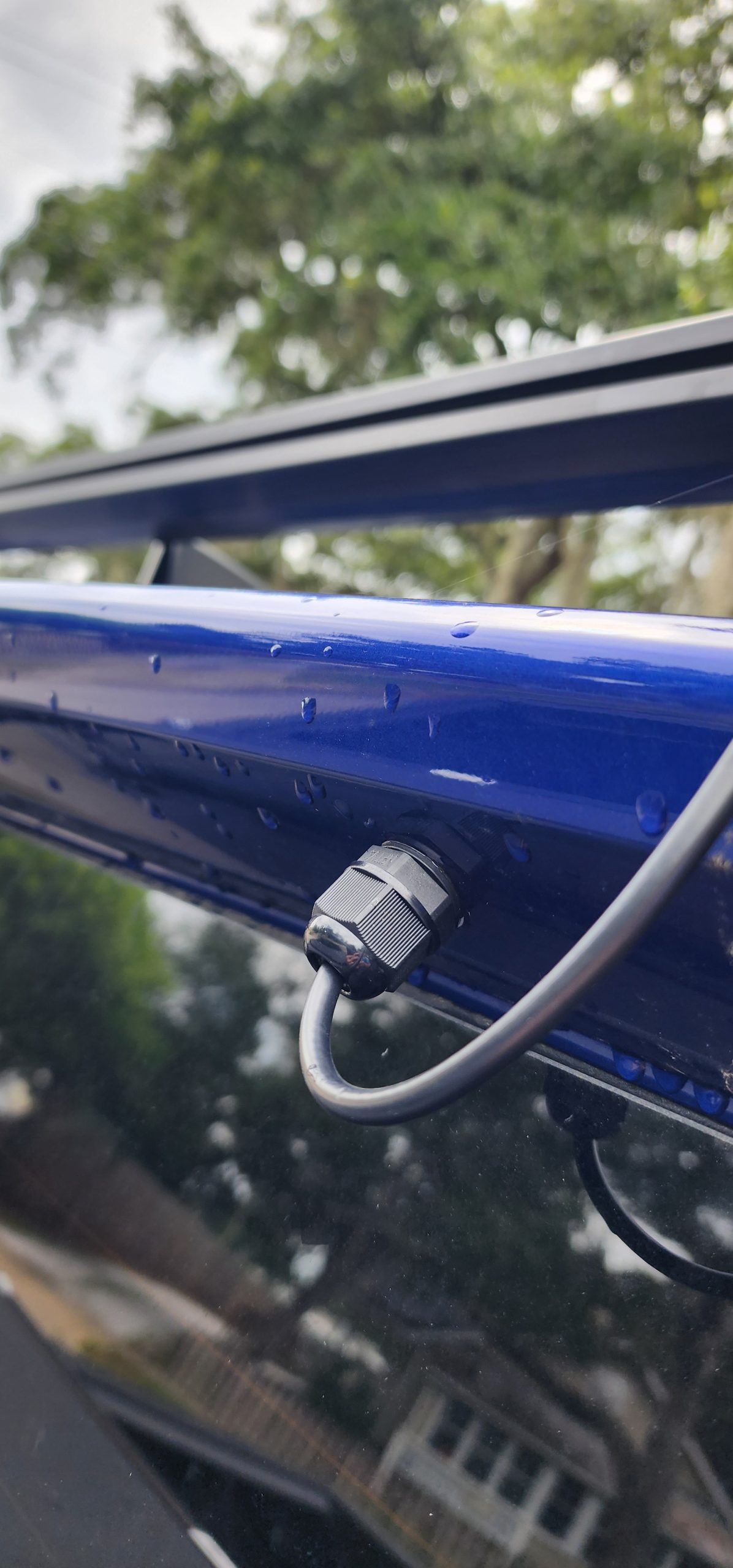
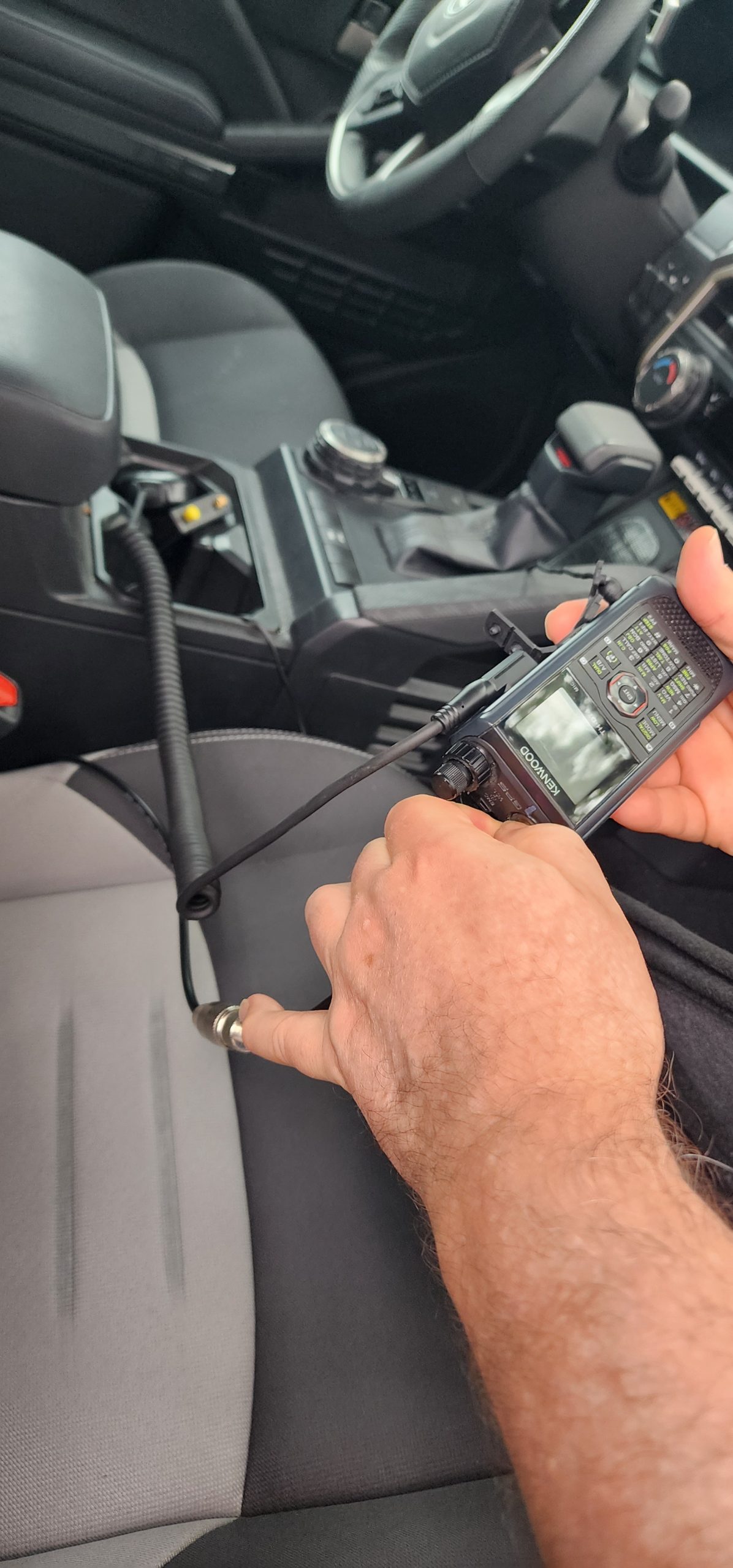
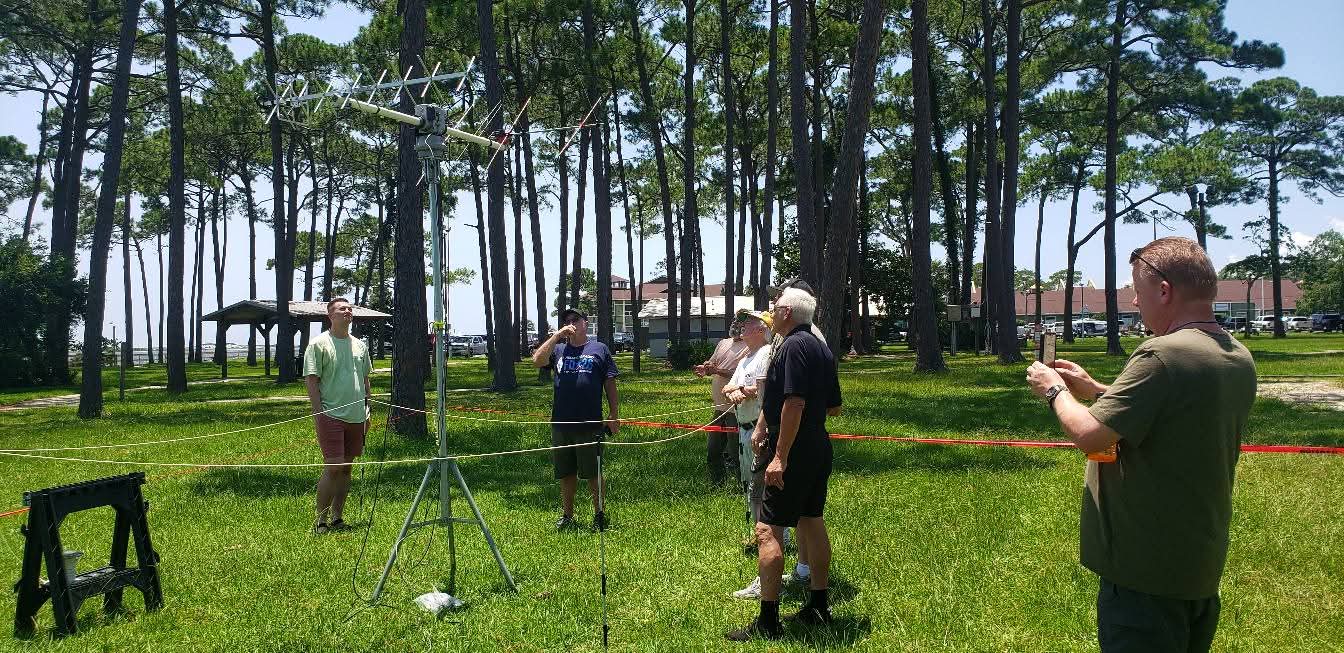
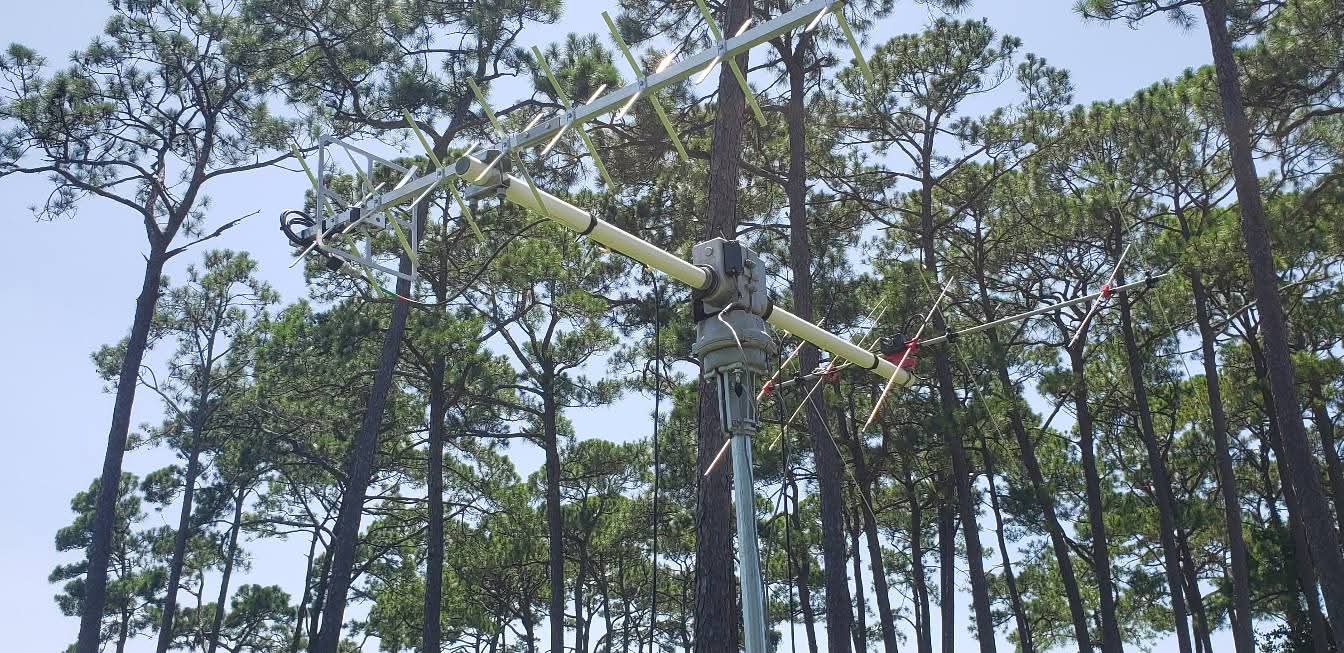
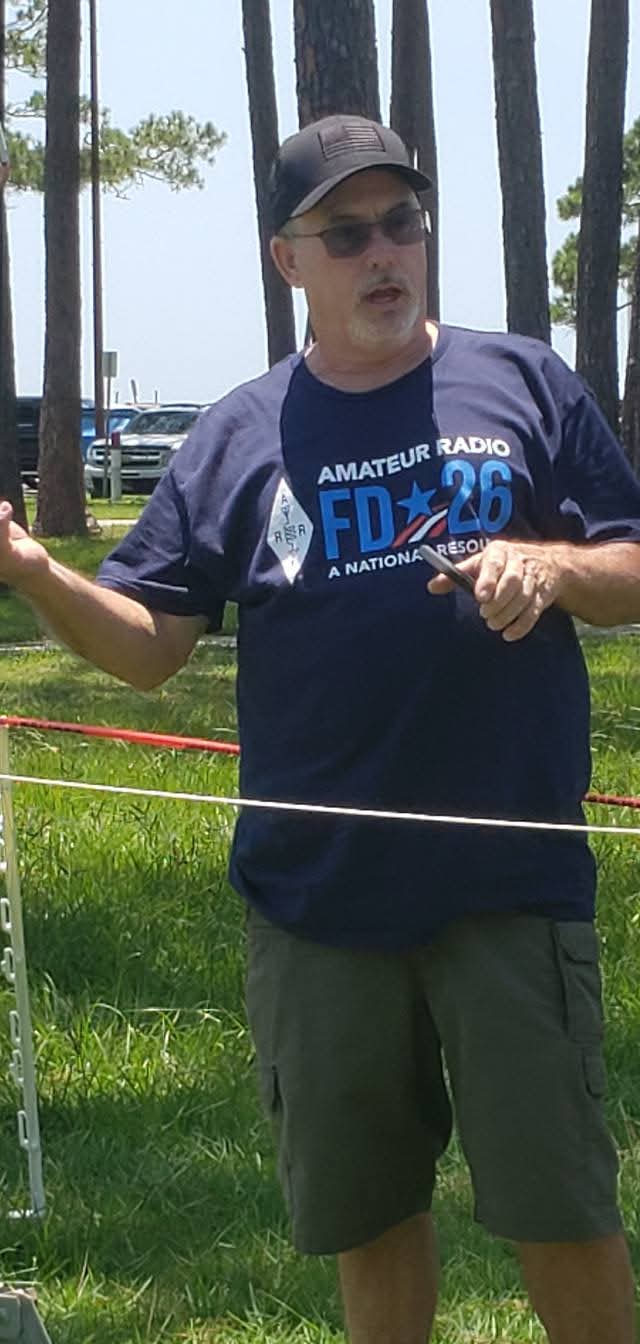
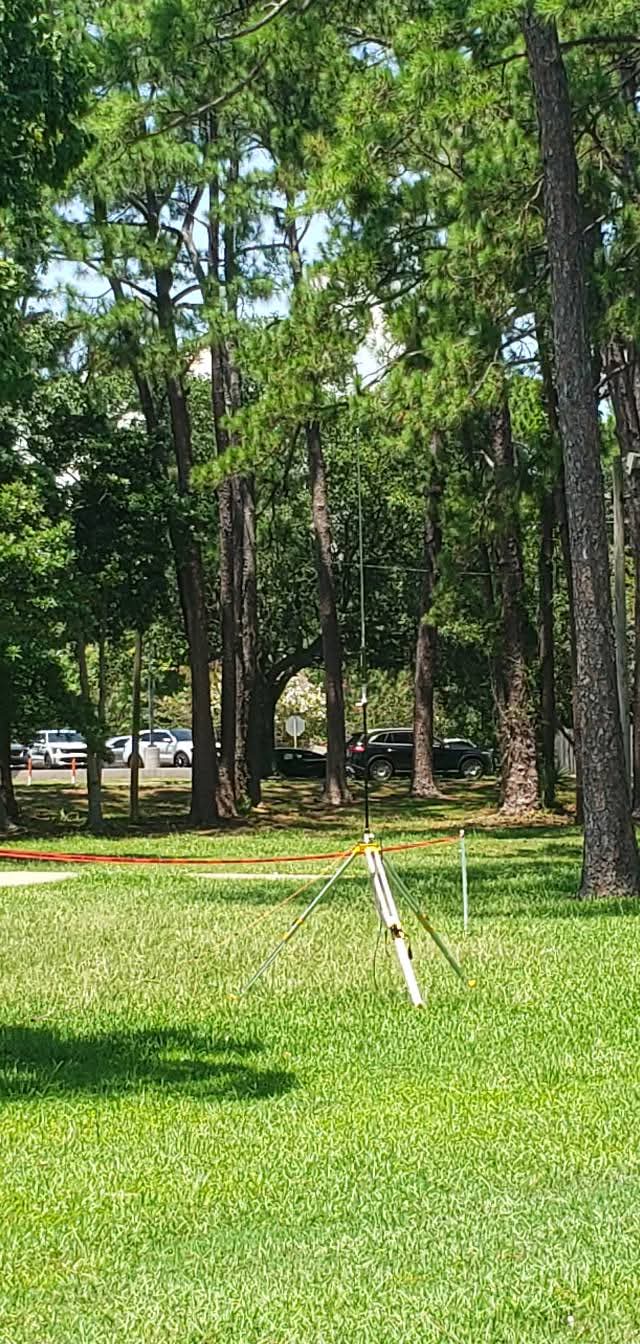
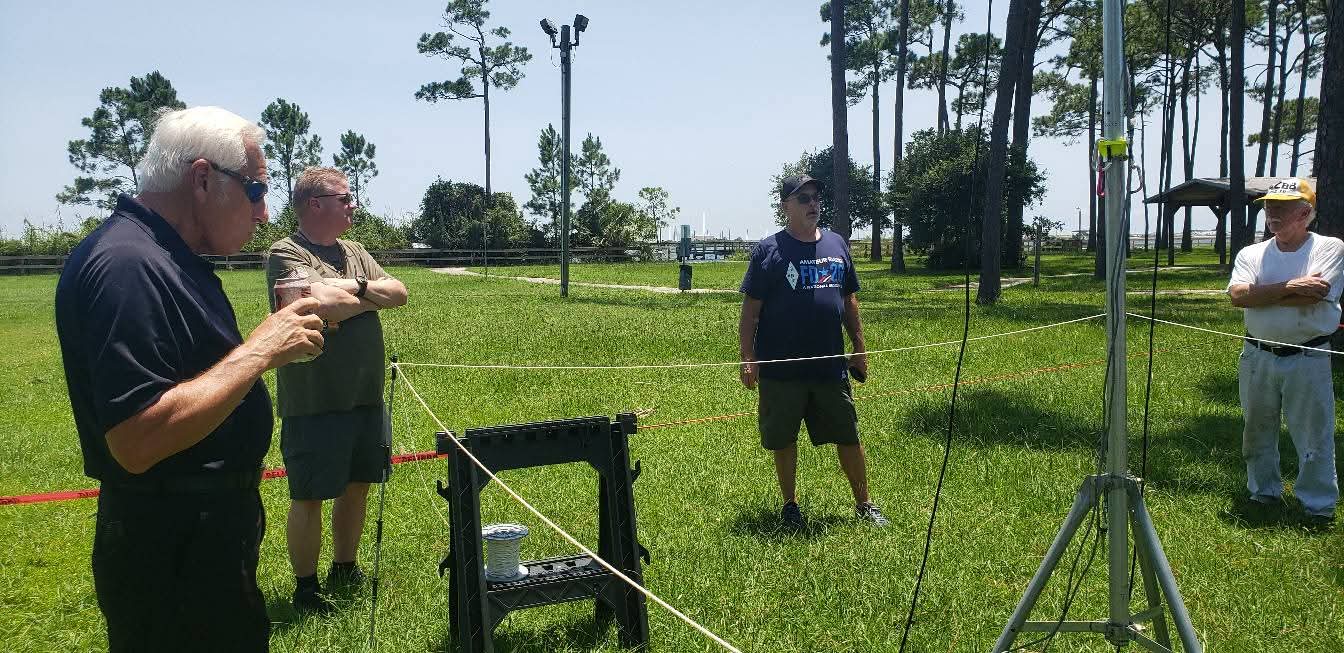
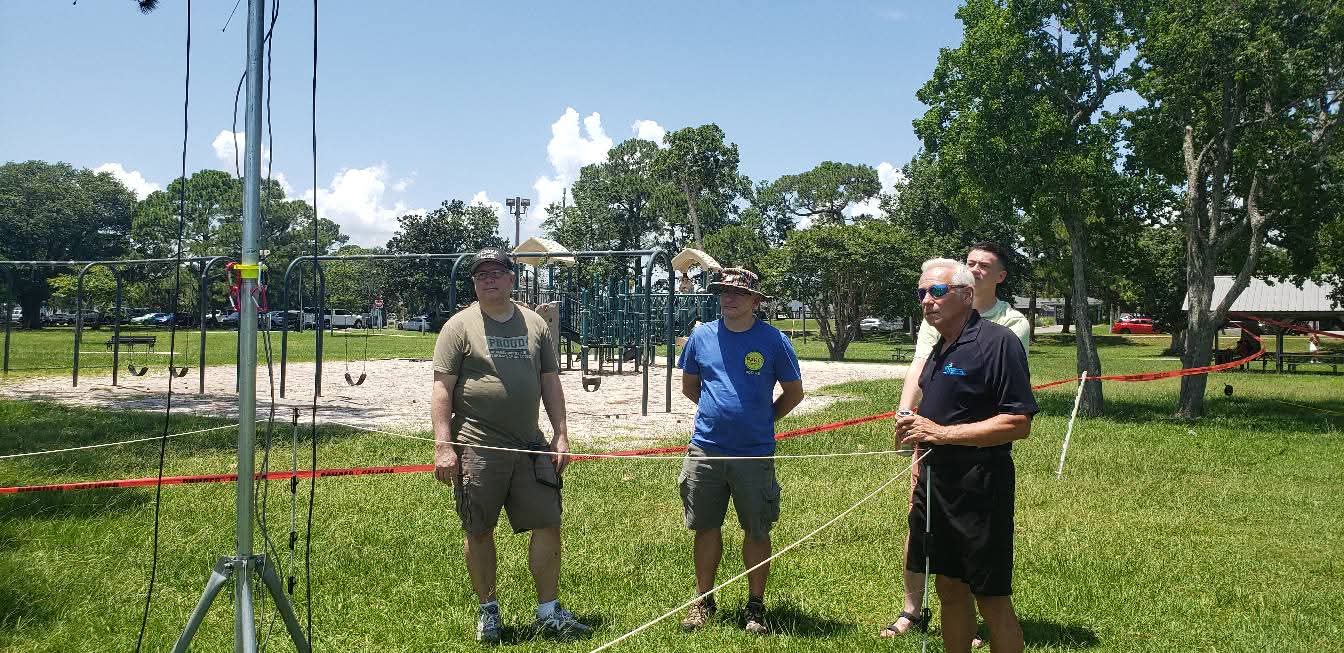
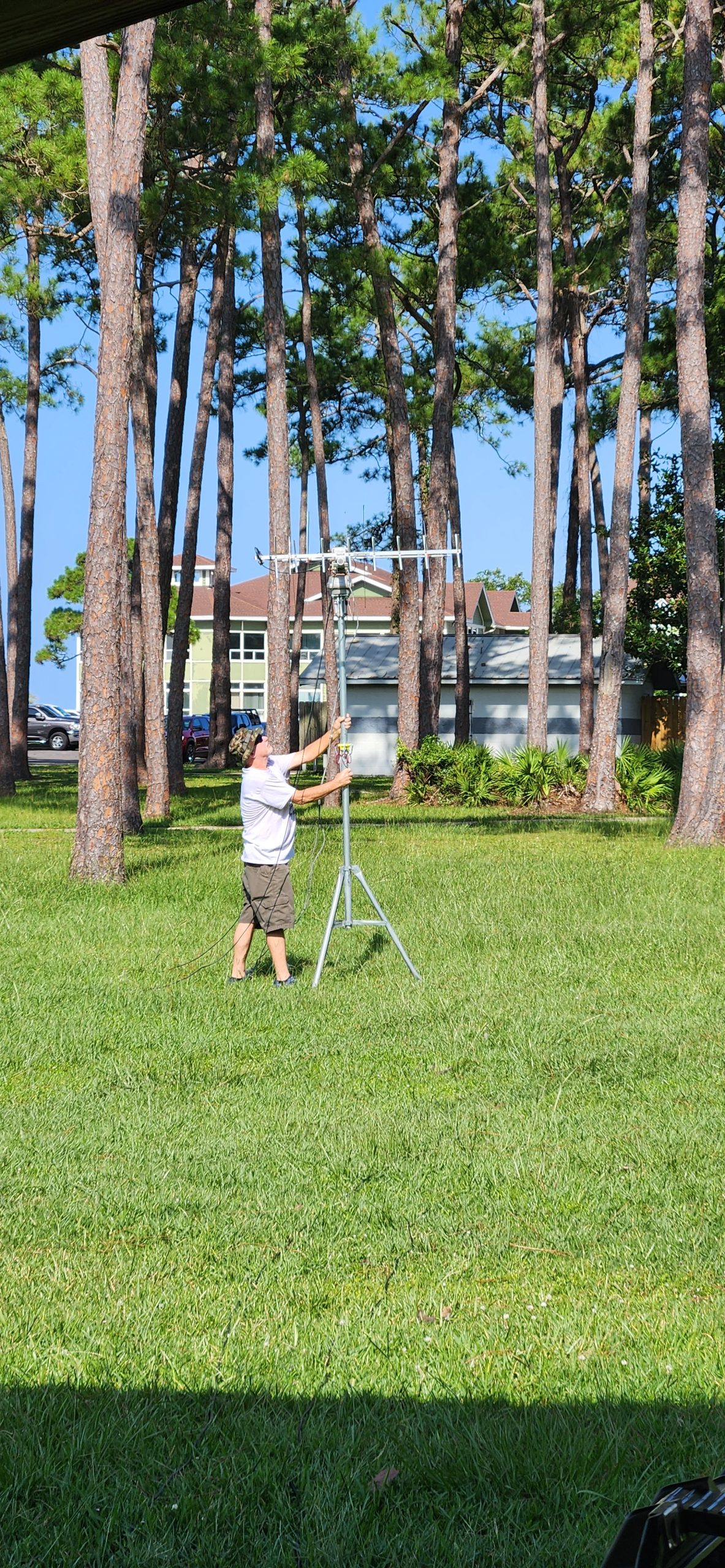
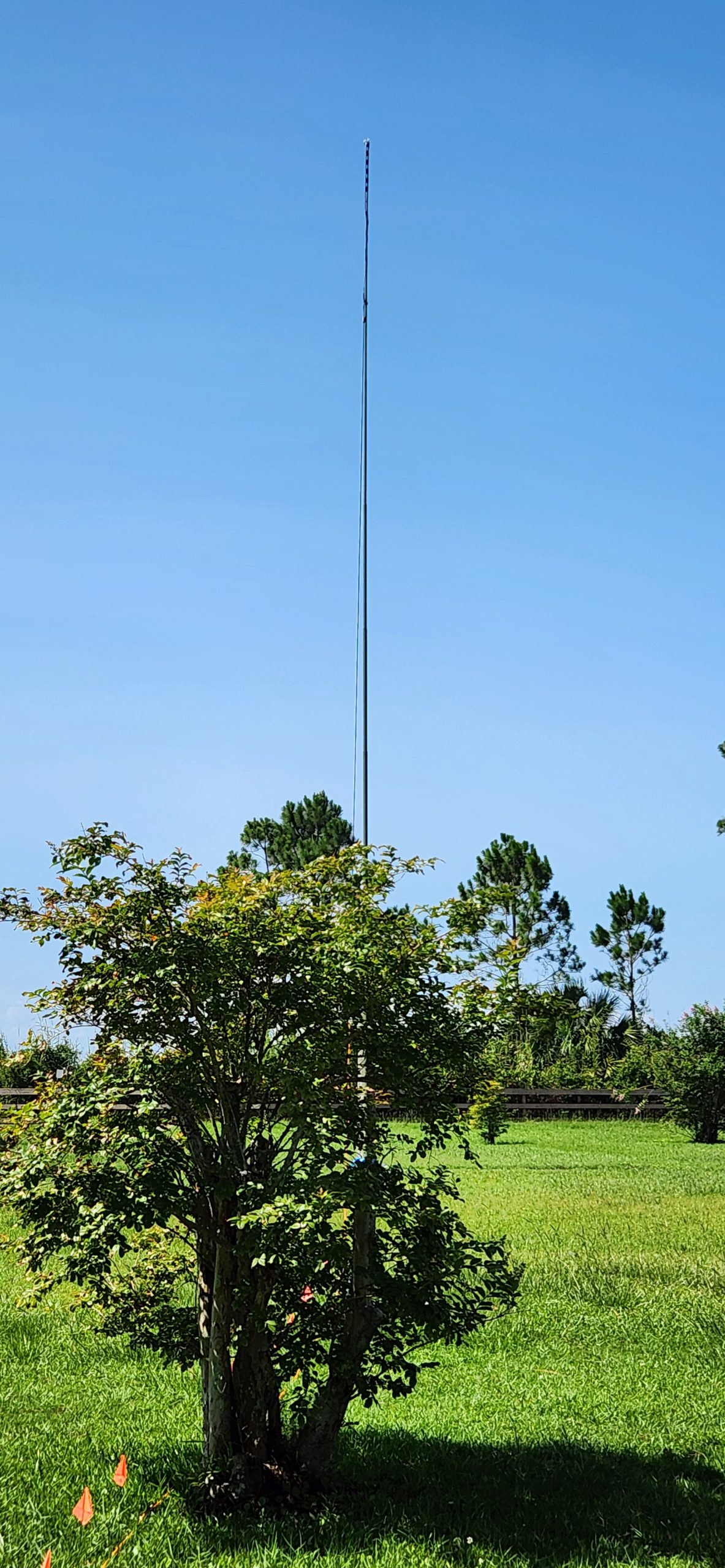
What do we mean by that?! PARC, as you know has WIRES-X capabilities! Today, the team improved the antenna from a 3 Db gain antenna, to a 9 Db gain antenna! It also was elevated form its standoff location to a new height! So what does that mean for you and everyone else? A better coverage area and reliable WIRES-X coverage in NW Florida!
Give it a shot, break out your WRES-X Capable Radios, and talk digitally, the world over!
146.400 MHz sponsored by AA0EU, Node 91172 Room 01172.
PARC always has something in store to suit your experimentation in Amateur Radio and many other forms of communication! Key on in every 1st and 3rd Thursday at 730pm and every Sunday at 3pm for the PILE-UP or join the net each Sunday at 730pm on 146.790!

Experimentation is a great thing in Amateur Radio! For instance; Operators utilize the 220 MHz band for weak signal experiments using SSB, CW, FT8, MSK144, and other WSJT-X modes, including meteor scatter contacts and grid chasing for VUCC awards!
The 220 MHz band is not dead, though it’s less popular and more sparsely used compared to the 2-meter and 70-centimeter amateur radio bands.
The 220 MHz (1.25-meter) band is allocated and reserved for amateur radio use, particularly in North America.
While it has historically seen less commercial radio equipment and lower activity, many local ham clubs and operators do actively use the band, especially for FM repeaters and simplex operations.
There are still over 1,600 repeaters in the U.S. operating on 222 MHz, indicating a dedicated user base and regular activity in some regions.
The 220 MHz band features propagation characteristics that blend the advantages of both the 2-meter and 70-centimeter bands, allowing good range and relatively low noise environments.
Securing coordinated repeater frequencies on 220 MHz is often easier, with less crowding and competition, which makes it attractive for clubs and groups seeking reliable local communications.
The limited availability of off-the-shelf commercial equipment has historically limited growth, but specialized and enthusiast-driven hardware continues to emerge, such as repeater systems and dedicated mobile or handheld transceivers.
Some regions may experience “quiet” bands, but this is often an opportunity for experimentation, private communication, or for groups hoping to avoid congestion present on other VHF/UHF bands.
Many operators see the band as underutilized rather than actually “dead” and encourage more experimentation and activity, suggesting that with increased use, interest in the band could easily grow again.
The 220 MHz band remains an active part of the amateur radio landscape, valued for its unique properties, dedicated repeaters, and as a less crowded alternative to other VHF and UHF bands.


The time is nigh! The details are in!! Are YOU ready to Hunt the hidden FOX Transmitter?!!
The Rules:
You can start at the Clubhouse at 1000 on Sunday Aug 31st 2025! 17 First St SE Fort Walton Beach Florida
You can also start from any location you desire!
You must obey traffic laws. Have fun but please be safe.
You can use any radio and antenna set up you want!
You DO NOT need to be an Amateur Radio Operator to hunt the FOX!
The FOX will be hidden in a public location in the city of Fort Walton Beach Florida only.
The Details:
Teams are encouraged for triangulation but not mandatory.
Following the fox hunt, the Playground Amateur Radio Club will host a BBQ with an Open House! This starts at 1200 pm and goes until 500 pm. Food and Drink will be available for $5.00 /plate. Cash is King. Donations are also greatly appreciated!
All times are in Central Time.


So you want to have Parks on the Air (POTA). What is stopping you from organizing a POTA or similar event? Are you reliant on your Club or Organization to take your idea and tell you what to do, when to show up, and where to be? Do you only want to participate with others in an officially organized fashion? Are you not comfortable with your skillset to understand the operational requirements? Do you not have the equipment? Do you not understand the logging process? Have you visited the online resources to better understand what you are thinking about? Are you attempting to involve your organization as a positive influence and enhance teamwork and fellowship? Do you know where the POTA spots in your area are?
What seems to be missing as evident by the litany of questions is clear action after a statement of desire has been made. Are you sitting idly by with wants and wishes but not acting and in wait for “someone else” to take the reins?
Have no fear. The POTA Guide is here to not only help you understand what you will need, where you can go, how to log, but also how to inspire and set up an event for a single or multiple operators. One of the fallacies of group participation is that there must be an office or official in charge for an event to represent a Club or Organization. While that may be true for the use of the call sign with the permission of the call sign trustee, nothing is further from the truth when it comes to running an event in single or group mode. I have set up multiple events long before I assumed any roles in the administration of a Club or Organization. I was for all intents and purposes, just a member. But that does not mean I did not have a voice or a lack of motivation. Leadership comes from personal traits, learned skills, and a choice to guide and inspire others. You have already achieved so much by just volunteering your time, learning a skill, becoming a licensed operator, and many other untold successes. Why not act on them and take ownership of your yearning for communication?!
As with everything in Amateur Radio, reading is a large part of understanding and operation. Mike Case, W8MSC spent significant time compiling invaluable information for the Parks on the Air Activator Guide. Through his research and deep dives into POTA topics, he created a straightforward and easy to understand operating instruction for all to view. On the same website are other guides such as the Parks on the Air Club Activation Guide. Further instructions include how to log, how to submit logs, what the rules are, a park locator and more.
So, whether you are operating from anywhere as a hunter or going out and being an activator, the guides on the Parks on the Air website will guide you and your teams to surefire success! Be sure to read the items below, visit the website, take the lead, and pave the way for fun and engagement with all! So come along on the journey, grab cup of joe or whatever tickles your fancy, settle in and let us learn together to continue to advance the hobby, recruit, and retain others. Share the Joy and POTA this way!
The POTA Activator Guide:
https://docs.pota.app/docs/activator_reference/activator_guide-english.html
The POTA Club Activation Guide:
https://docs.pota.app/docs/activator_reference/activator_guide_clubs.html
Park List:
POTA Home page:
Powered by WordPress & Theme by Anders Norén